
![⭐ LitMinions ⭐ 10 Minions ✅ Migrate Data Command - Levels ✅ Minion Inventories [1.17-26.1]](/data/resource_icons/0/671.jpg?1780040945)
YOU CAN CONVERT YOUR DATA FROM YOUR OLD MINION PLUGIN TO LITMINIONS WITH A SINGLE COMMAND (/litminions migrate)
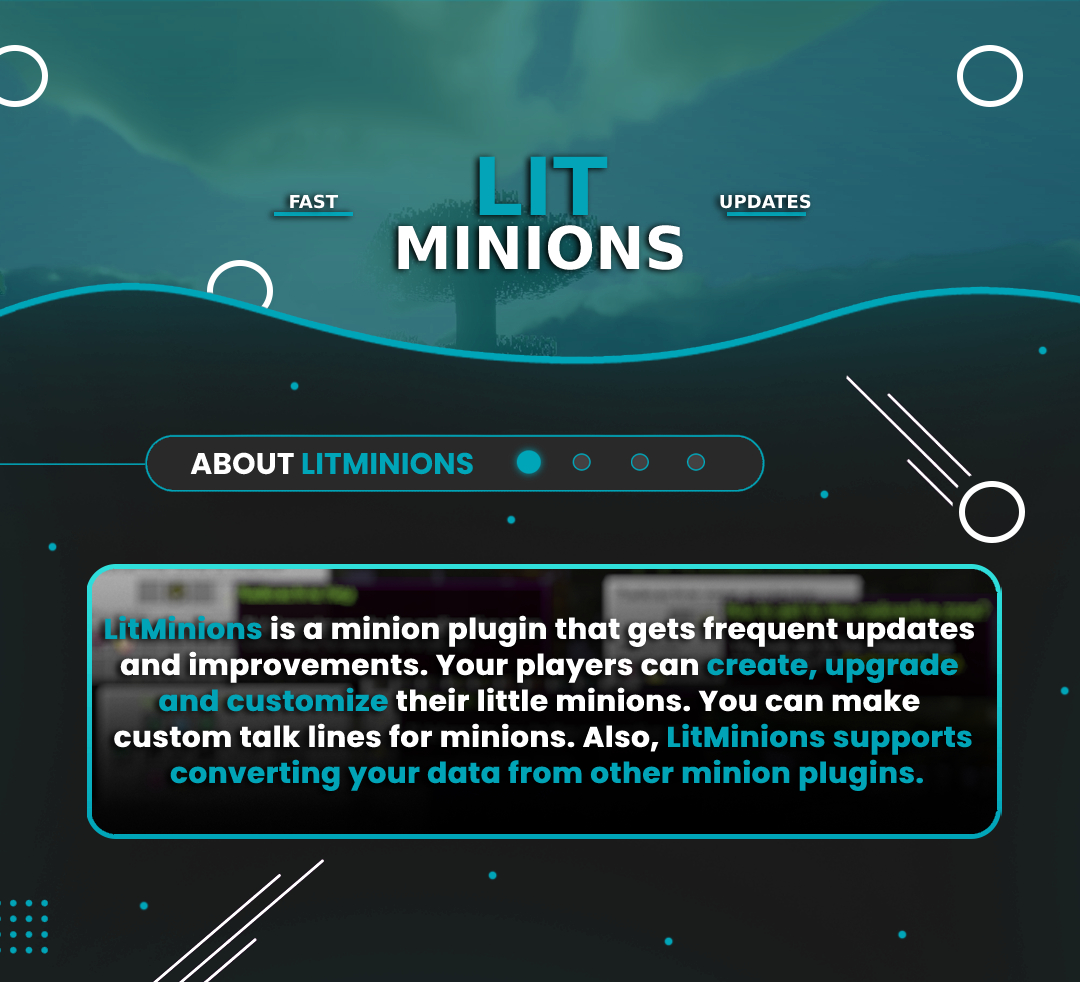

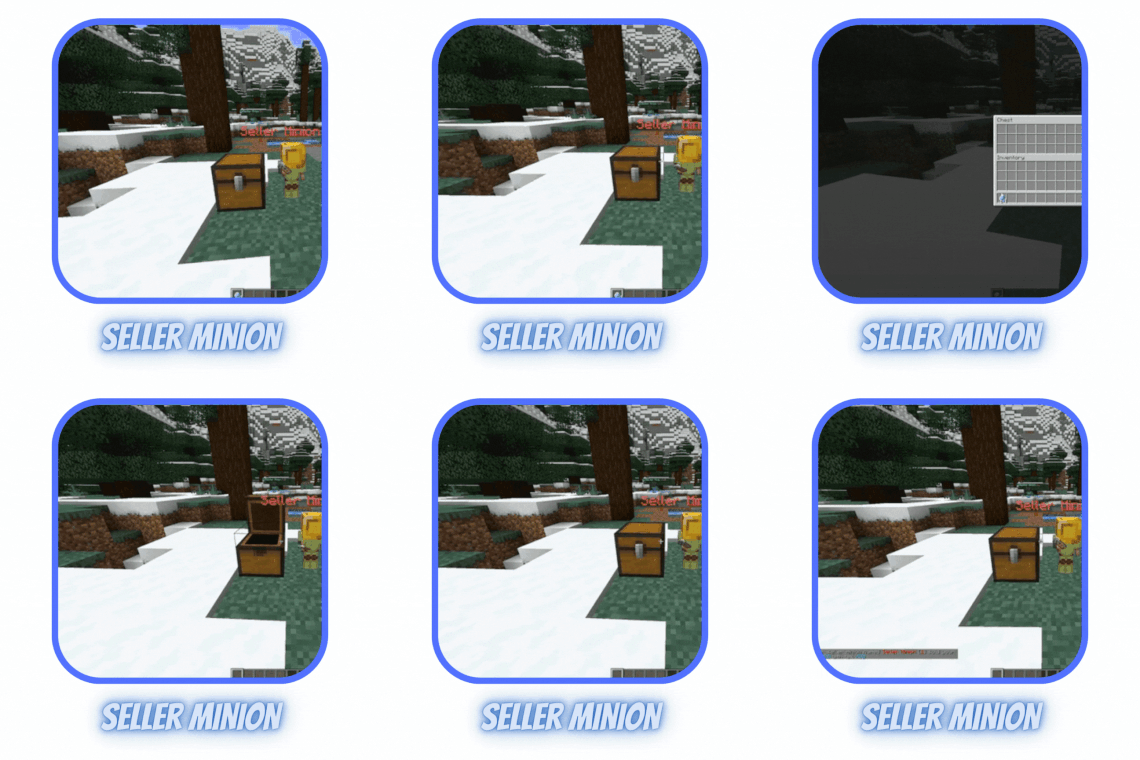
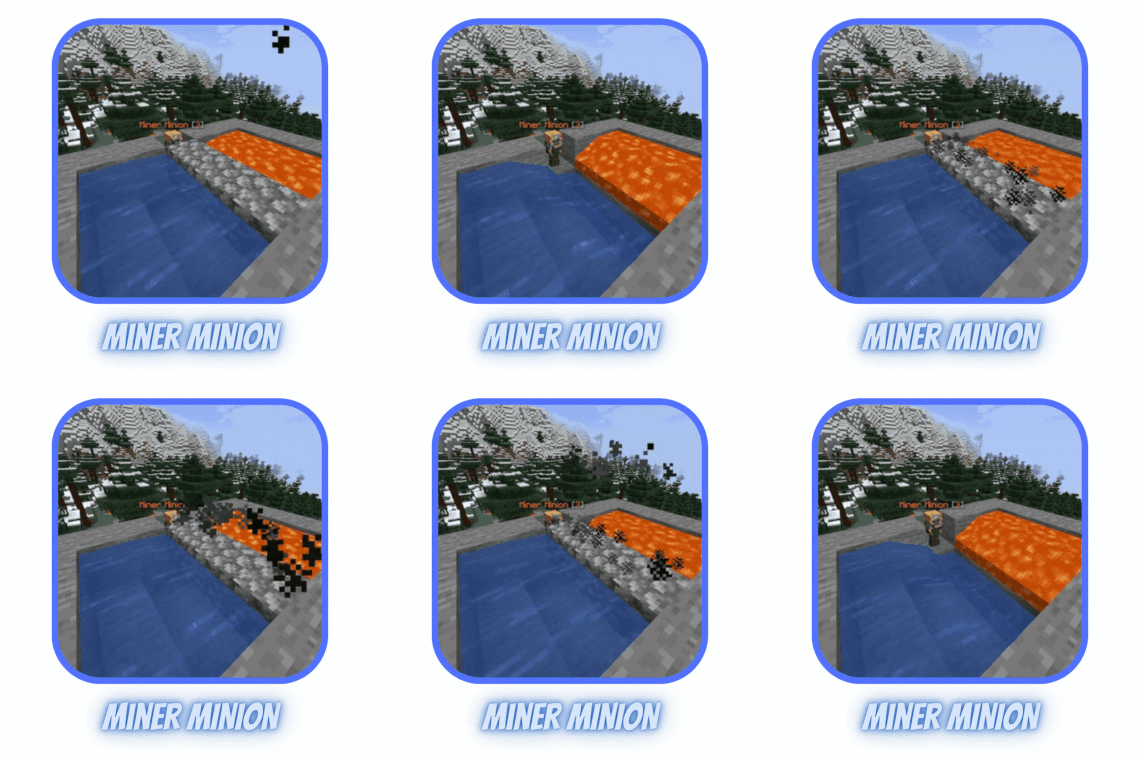
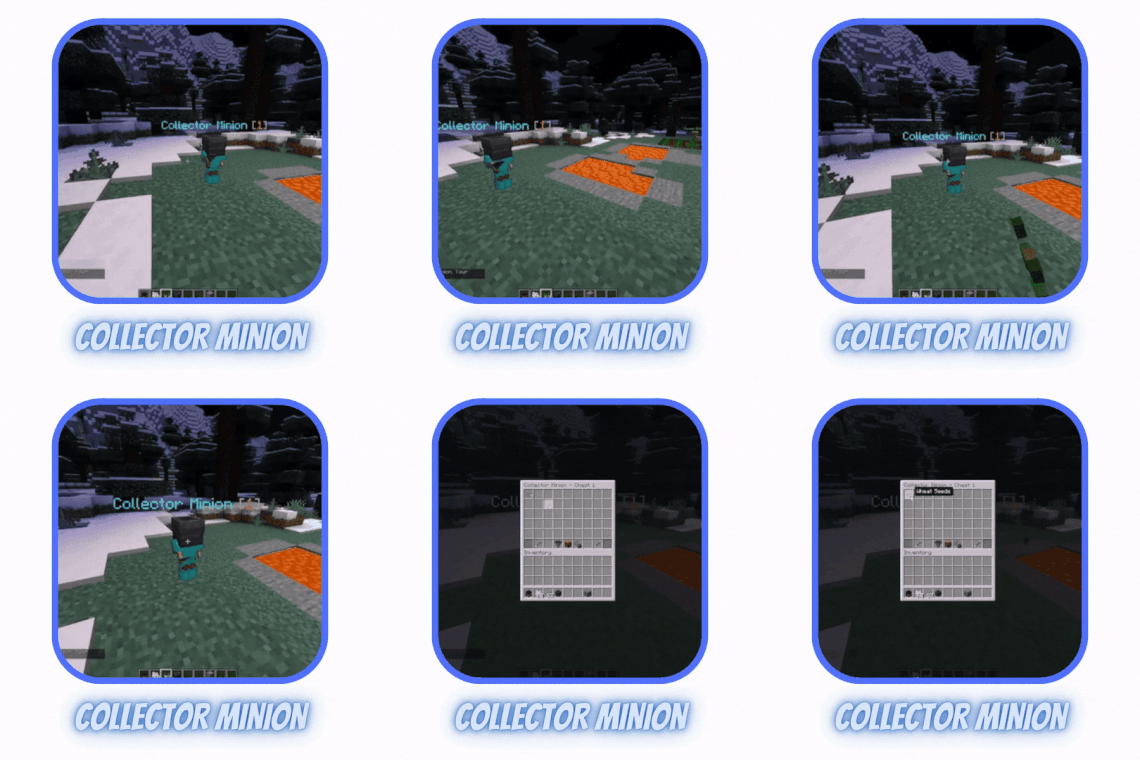
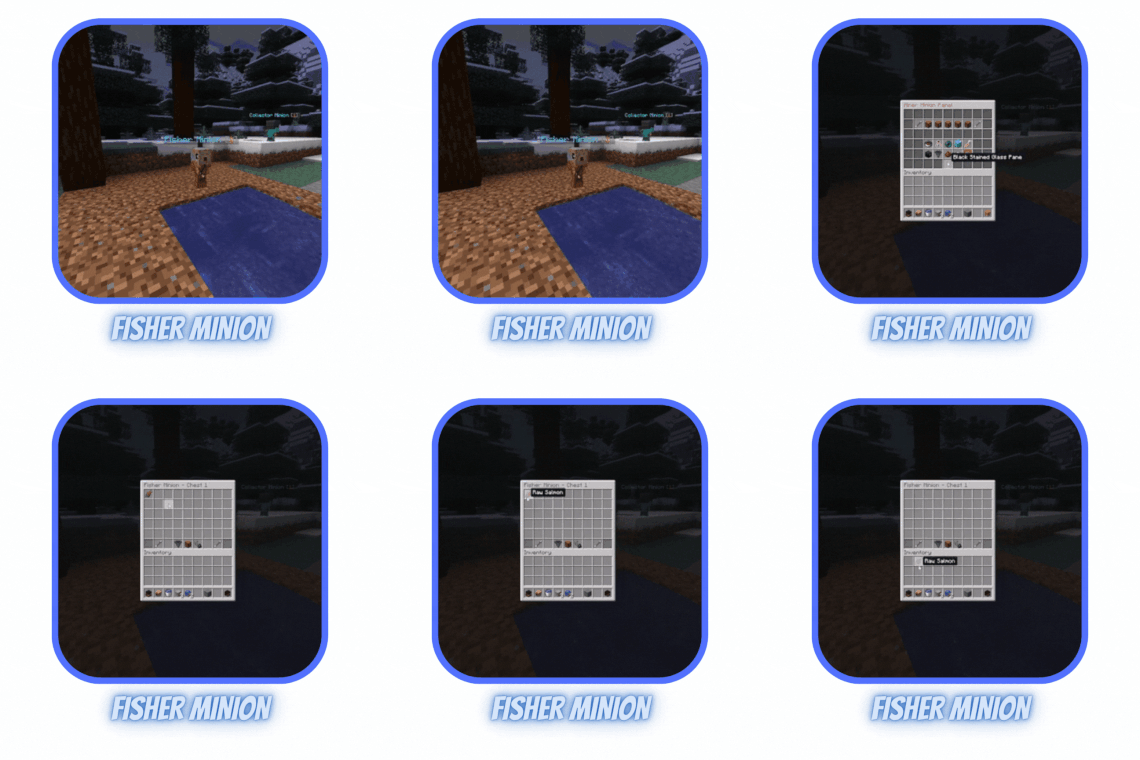


YOU CAN CONVERT YOUR DATA FROM YOUR OLD MINION PLUGIN TO LITMINIONS WITH A SINGLE COMMAND (/litminions migrate)
Admin Permissions:
Player Permissions:
You can simply give permission 'litminions.player.*' to players for all the permissions below.
Commands:
Available Placeholders
YOU CAN CONVERT YOUR DATA FROM YOUR OLD MINION PLUGIN TO LITMINIONS WITH A SINGLE COMMAND (/litminions migrate)
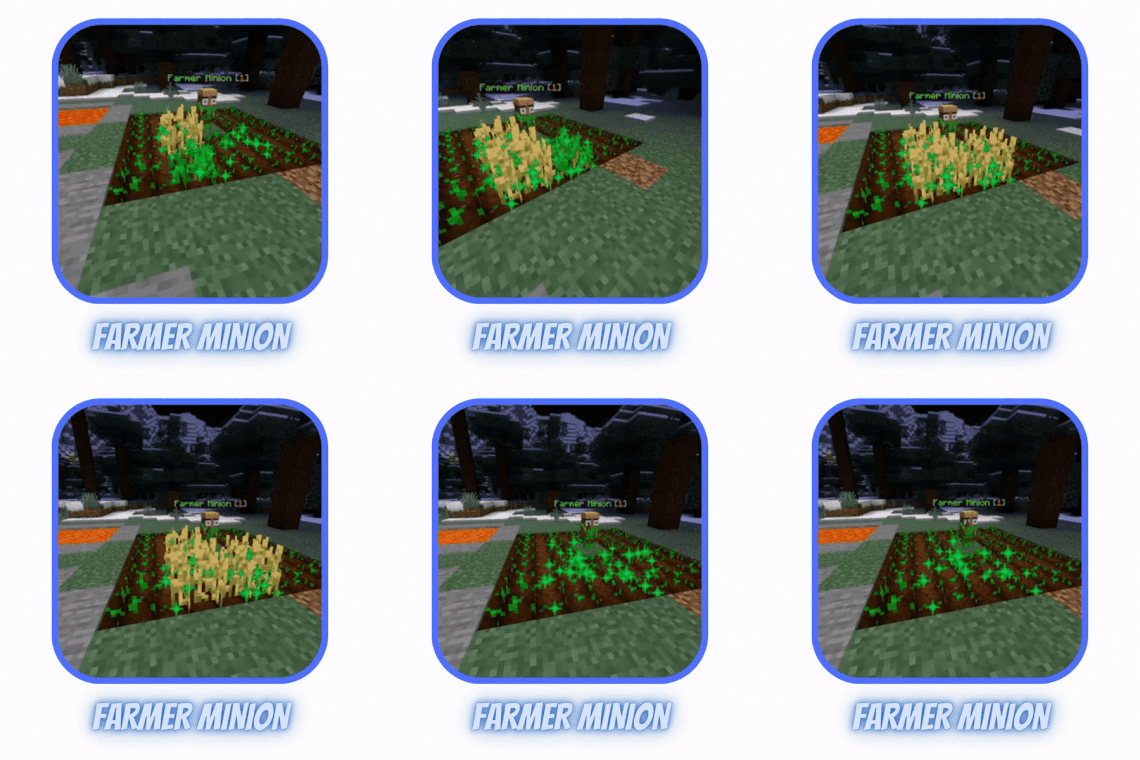
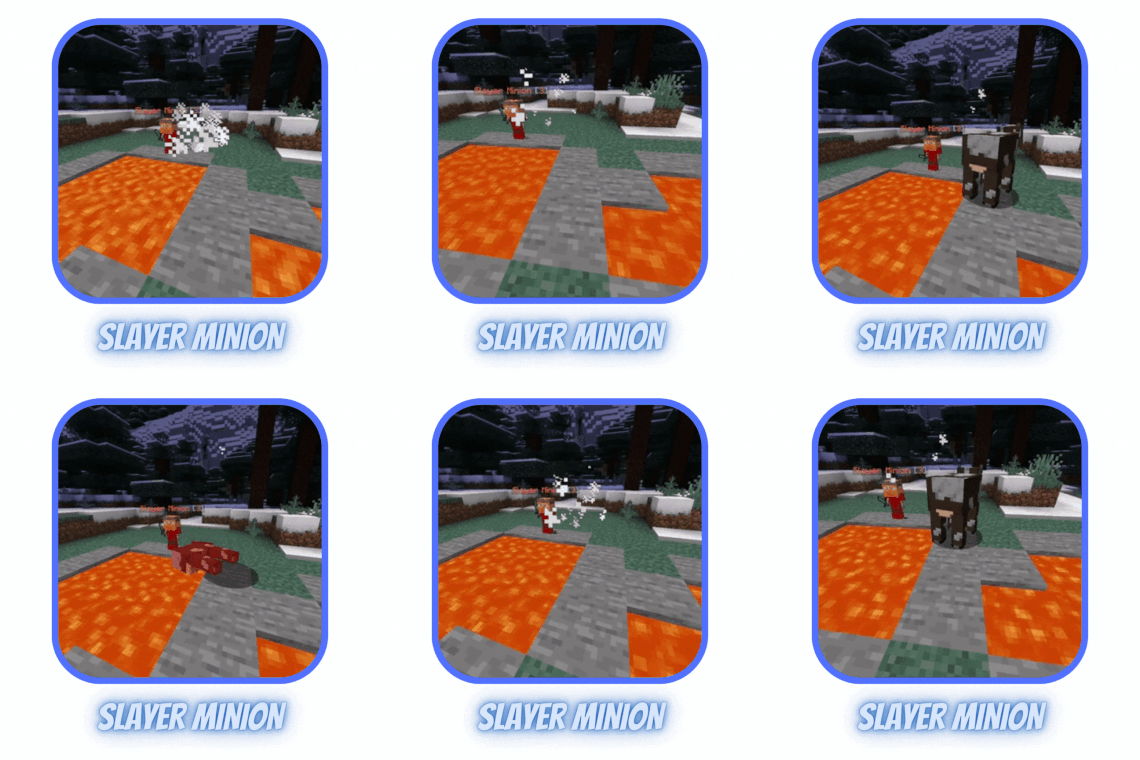
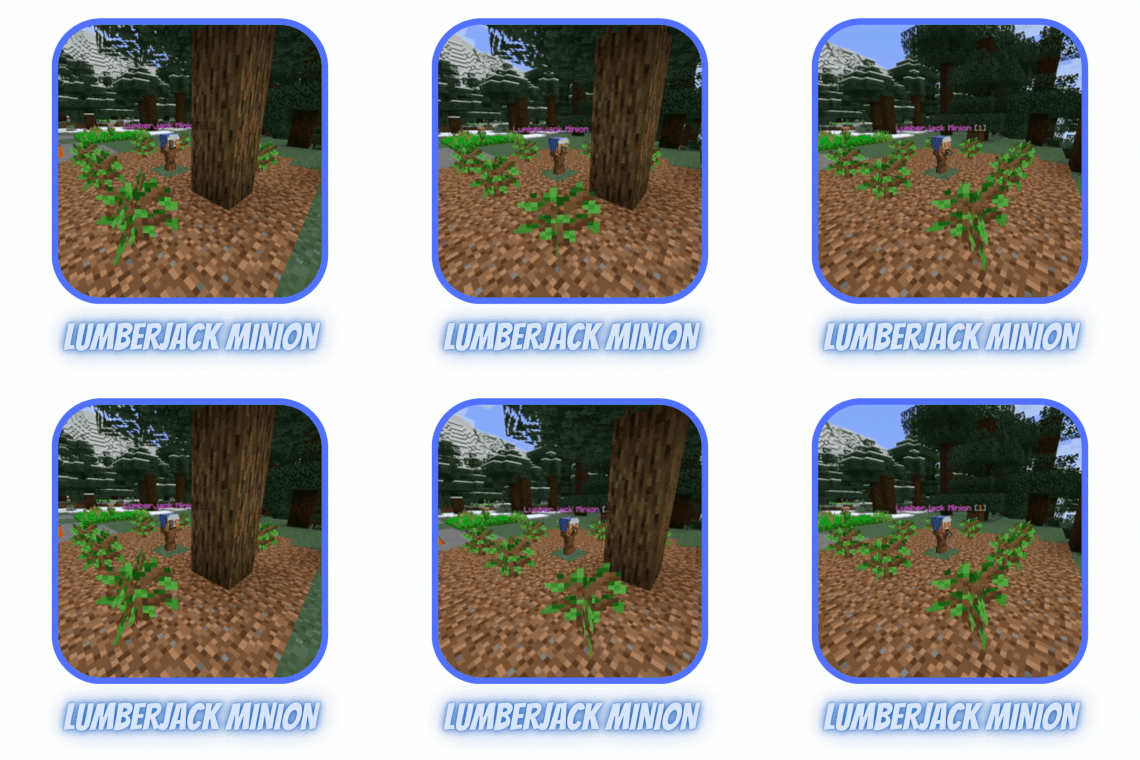
- 8 types of Minions (Miner, Slayer, Fisher, Collector, Seller, Healer, Farmer, Lumberjack). More will be added with suggestions.
- You can set talk lines in config to make your Minion talk.
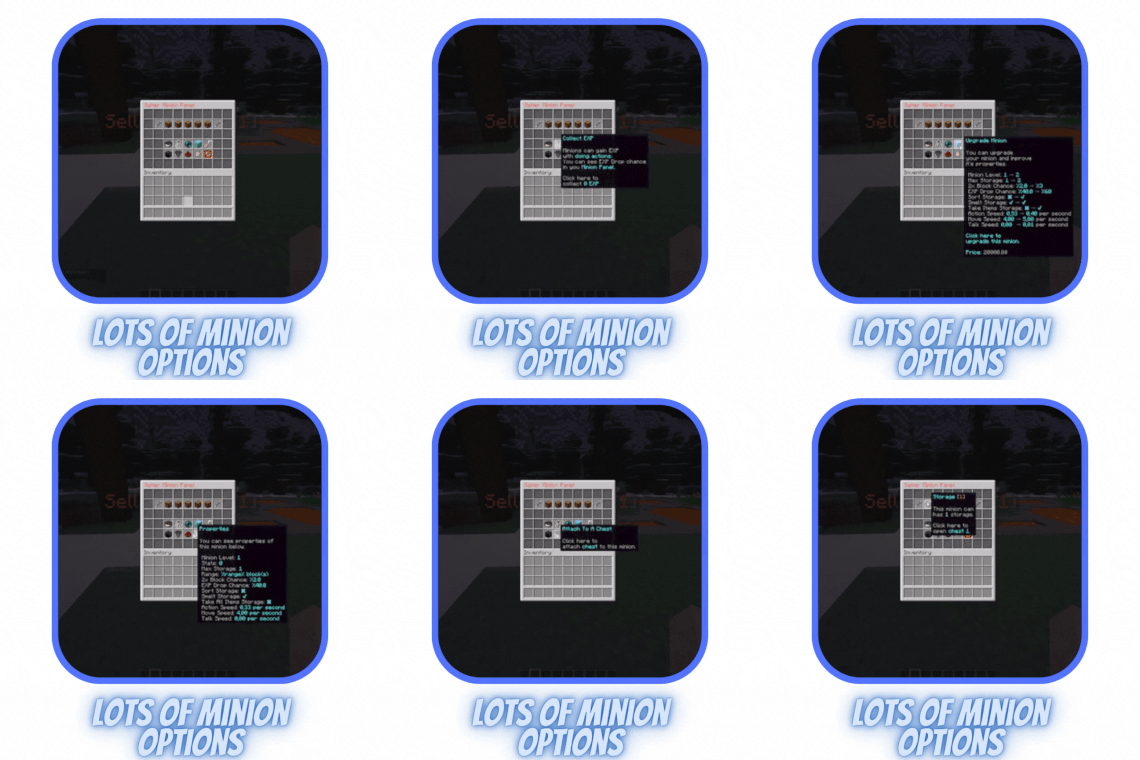
- Detailed Minion menus.
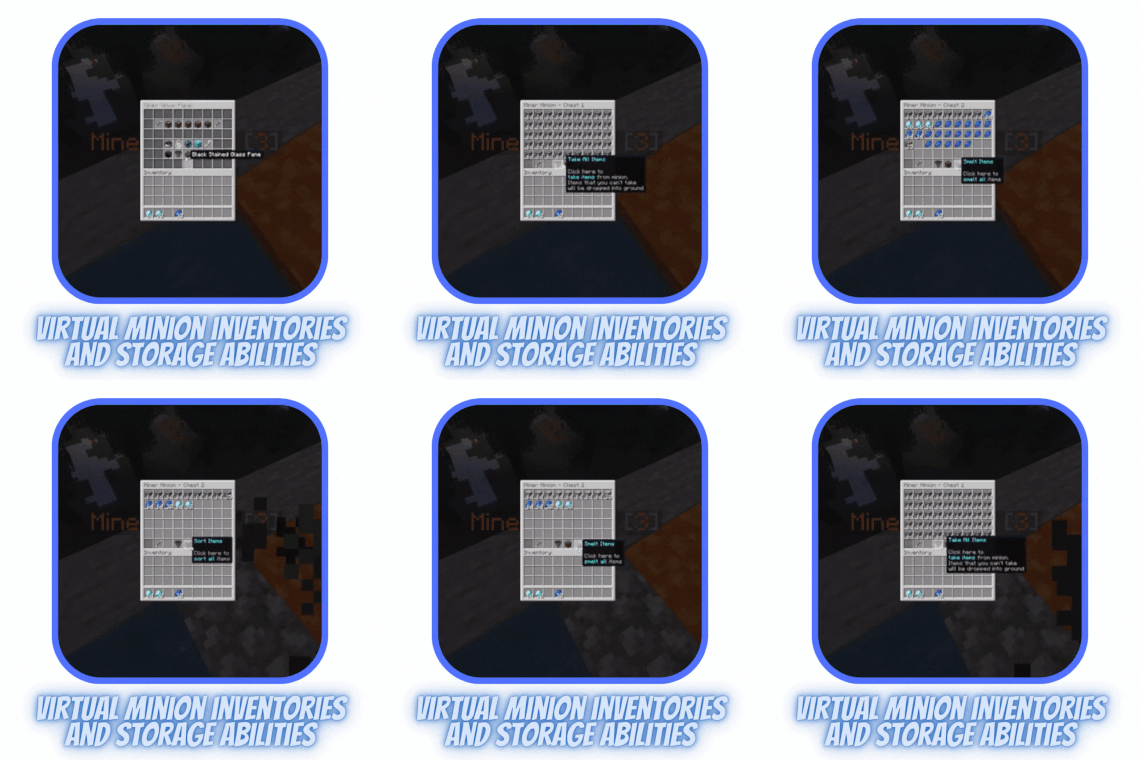
- You can make virtual Minion inventories and store items inside it. These inventory sizes are increasable with Minion upgrades.
- 3 Minion inventory action (Smelt, sort, take items). You can make these actions work if Minion is the specific level.
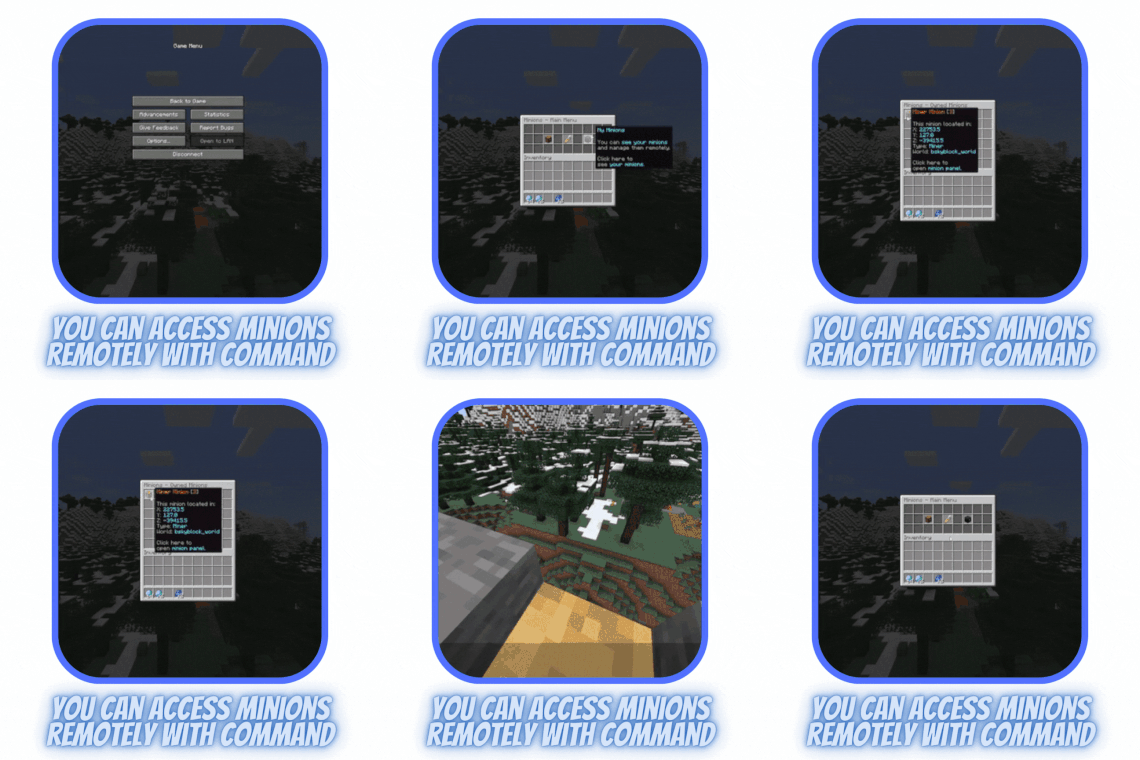
- Ability to access Minion Panel remotely.
- You can set sound to each action so your players can hear the result of each action.
- Ability to change Minion name and skin.
- You can set ignored actions to each minion type. For example, you can ignore the breaking of a stone.
- With item multiply chance you can double player’s item. These chances can increase with Minion level.
- You can set EXP amount to each action. For example, you can set 5 EXP points to breaking diamond ore and 3 to iron ore.
- Ability to chance talk duration.
- Teleport to Minions with a remote panel.
- Highly detailed admin commands. You can interact with other player’s minions remotely.
- Ability to make Minion work only when the owner is online.
- You can paint Minion’s armor for each type.
- You can change Minion’s holding item each type and level.
- LitMinions supports lots of hooks. If your not claim or skyblock plugin is not supported, contact me and I will add it surely.
- You can customize every message and GUI part.
Admin Permissions:
- The permission for giving Minions to other players is litminions.admin.give (/litminions give <minion type> <player> [level])
- The permission for getting Minion without money is litminions.admin.get (/litminions get <minion type> [level])
- The permission for migrating from another plugin is litminions.admin.migrate (/litminions migrate <plugin>)
- The permission for seeing other player's minions is litminions.admin.minions (/litminions minions <player>)
- The permission for reloading the plugin is litminions.admin.reload (/litminions reload)
- The permission for seeing help messages for admin command is litminions.admin.help (/litminions)
Player Permissions:
You can simply give permission 'litminions.player.*' to players for all the permissions below.
- The permission for opening the main menu is litminions.player.minion (/minion)
- The permission for seeing minions remotely is litminions.player.myminions (/minion myminions)
- The permission for opening the shop is litminions.player.shop (/minion shop)
Commands:
- /minion
- /minion help
- /minion shop
- /minion myminions
- /litminions give <minion type> <player>
- /litminions get <minion type>
- /litminions migrate <plugin>
- /litminions minions <player>
- /litminions reload
Available Placeholders
- %litminions_minionsplaced% gives the number of the minions placed by the player
- %litminions_maxminions% gives the player's maximum Minion place count.
![⭐LiteFish⭐ [1.16 - 26.2]⚡Level System NEW UPDATE⚡](/data/resource_icons/0/670.jpg?1780040970)
![-30% OFF⭐LiteFarm⭐ [1.16 - 1.21] ⚡Custom Sprouts NEW UPDATE⚡](/data/resource_icons/0/669.jpg?1780040993)
![⭐LiteCooking⭐ [1.17 - 1.21]](/data/resource_icons/0/668.jpg?1780041016)
![[1.19-26.1] ✅ Kingscenes | Cutscenes ✅ Plugin](/data/resource_icons/0/667.jpg?1780041037)
