
![GPS [1.9 - 1.19] Global Positioning System For Your Server](/data/resource_icons/16/16495.jpg?1782808333)
Original Link https://www.spigotmc.org/resources/...er-minecraft-global-positioning-system.53672/
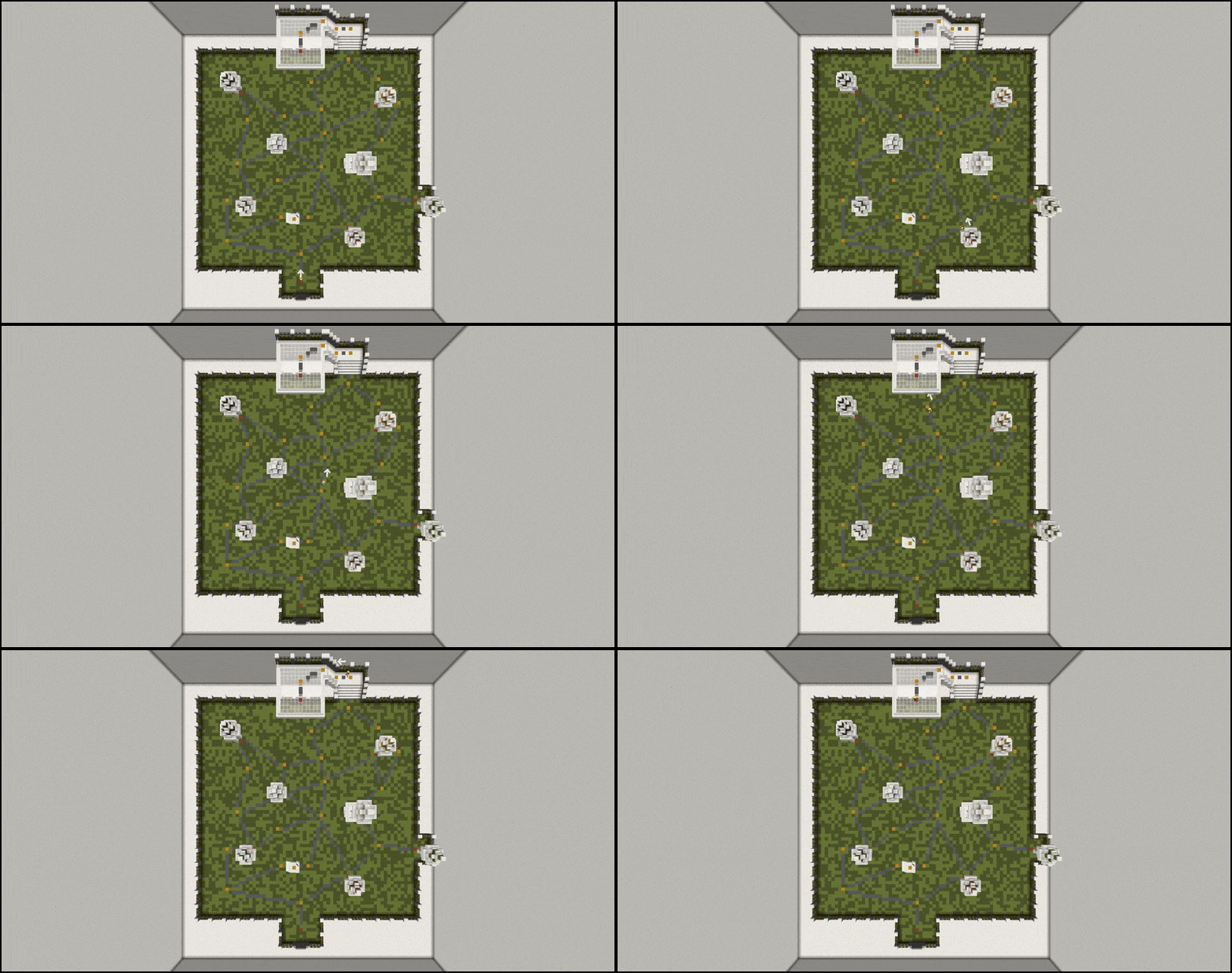
The one and only first ever actual Minecraft Global Positioning System; GPS for short. Designed with both simple and advanced Minecraft world mappings in mind. Create simple GPS mappings or very complex and advanced webs of connections and routes. The GPS will consistently guide you through the shortest path available.
Warping around the world/spawn is ordinary and extremely boring. It leaves everything you have built unwatched and unappreciated resulting in wasted time / wasted money spent on builders and makes your server dull. Using the GPS allows your players to explore your server as they go, and discover all the characteristics that make your server unique and intriguing. Guided by a completely customizable arrow, which is not created from boring particles, you, and your players, always know exactly where to go. Setting up the GPS is extremely easy and straightforward. With the in-game GPS configurator, you are free from messing around with clumsy yml files and having to fiddle around with misconfigurations due to typos and indentation errors. All points and connections are observable via particles whenever the configurator is enabled.
Test Server: 142.44.222.241:25602
If you wish to use this on a 1.8 server then please read the "Important for 1.8 servers" in the Versions and Support section first!
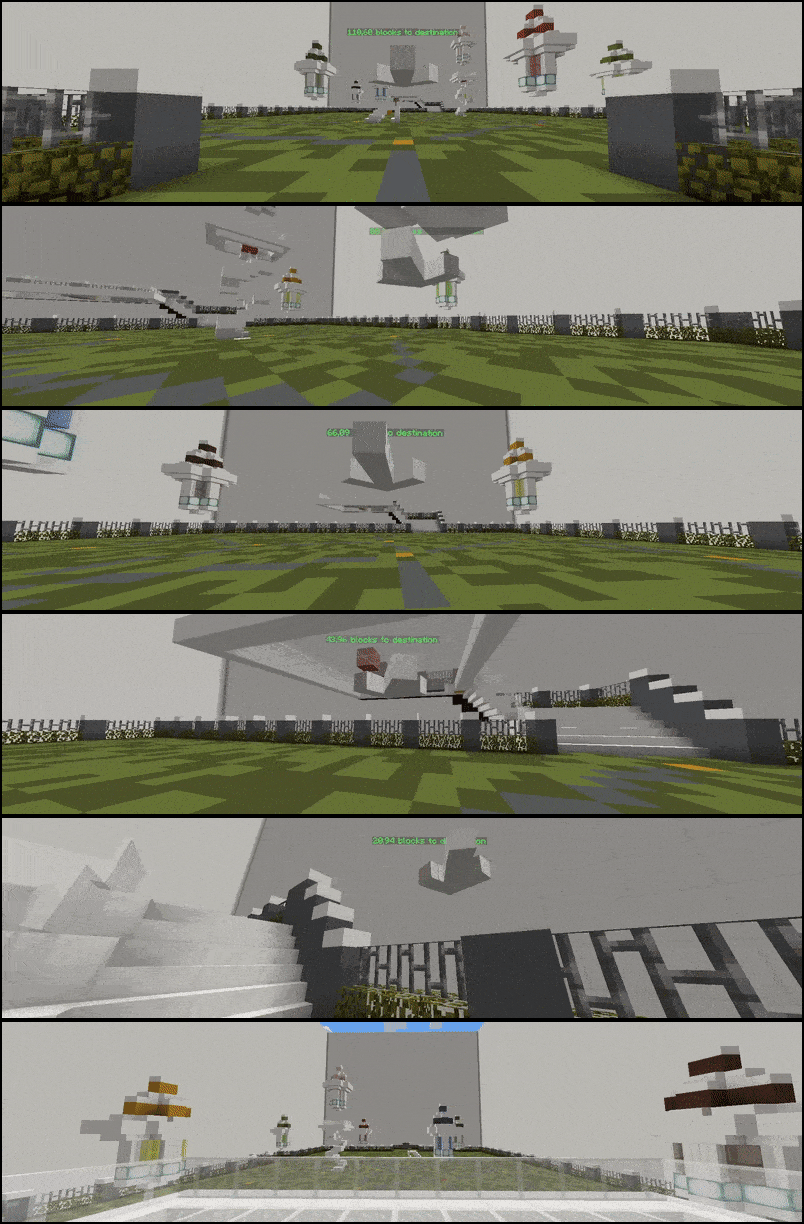





The GPS Arrow:
The one and only first ever actual Minecraft Global Positioning System; GPS for short. Designed with both simple and advanced Minecraft world mappings in mind. Create simple GPS mappings or very complex and advanced webs of connections and routes. The GPS will consistently guide you through the shortest path available.
Warping around the world/spawn is ordinary and extremely boring. It leaves everything you have built unwatched and unappreciated resulting in wasted time / wasted money spent on builders and makes your server dull. Using the GPS allows your players to explore your server as they go, and discover all the characteristics that make your server unique and intriguing. Guided by a completely customizable arrow, which is not created from boring particles, you, and your players, always know exactly where to go. Setting up the GPS is extremely easy and straightforward. With the in-game GPS configurator, you are free from messing around with clumsy yml files and having to fiddle around with misconfigurations due to typos and indentation errors. All points and connections are observable via particles whenever the configurator is enabled.
Test Server: 142.44.222.241:25602
If you wish to use this on a 1.8 server then please read the "Important for 1.8 servers" in the Versions and Support section first!
The GPS Arrow:
- Appearance:
The arrow is created from any placeable Minecraft block. Above is a few examples of that. The length, arrowhead size, and density of blocks etc. are all 100% configurable in the config.yml file. You can also set the header of the arrow.
Below are a few examples of different arrow settings. The default arrow is the one to the left. Remember; larger sizes and higher densities require more entities which require more server resources. (The default is created from just 15 entities)
You can also use a custom resource pack or particles. Take a look further down.
- Appearance:
- Behaviour and physical properties:
The arrow can rotate and point in any direction. The direction is based on your current position and the direction towards the destination. The arrows direction is based on your location, not its own location.
- Spoiler: 1.13 Arrow Preference
Notice how the arrow 'staircases' at an angle and has a flat head when pointing up/down.
- Spoiler: 1.13 Arrow Preference
- The arrow will follow you around in a fixed position based on the direction you are looking and moves in a seamless and smooth manner. As seen in the gif above the arrow changes its direction instantaneously without any stuttering.
- Invisibility:
Since the arrow is made from entities and not Particles, hiding it is a whole lot harder. This has been made possible with the use of ProtocolLib. If you wish to hide the arrow you will have to have PL installed on your server. Enable/disable this feature in the config.yml file.
The example below illustrates the perfectly hidden arrow. The player on the left can clearly see his GPS arrow, though it remains undetectable/invisible for the player on the right.
- Invisibility:
- Invincibility:
Using the Minecraft kill command won't delete the arrow. This ensures that plugins like entity cleaners won't delete the GPS arrows and cause issues.
- Invincibility:
- Moveability:
The arrow can be moved to best suit the players needs. The move-mode is enabled via the /gps move command. In this mode, the scroll wheel on your mouse functions as the "control stick". Use the scroll wheel to move the arrow forwards and backward. Hold shift and use the scroll wheel to move the arrow up and down.
- Moveability:
- Other arrow types:
You can also choose to use a custom resource pack for your arrow:
Resource pack link:
The three arrows above is created by @NullBlox. Feel free to use them.
https://www.dropbox.com/s/7xbk40foabar8vk/GPS-ARROWS-RP-A1.zip?dl=1
- Other arrow types:
- Behaviour and physical properties:
![Mob Farm Manager [supports 1.7.10 up to 1.17] Hopper support](/data/resource_icons/14/14237.jpg?1782806938)

![Nog's Animations [Plushify]](/data/resource_icons/1/1911.jpg?1781574194)
![EpicWorldGenerator MODERN [1.21.11 / 26.1.2] Now with Multiverse Support! (EWG)](/data/resource_icons/0/839.jpg?1782116339)
