
Test it live @
@clip's server using his plugin placeholders
testplugins.com
PLEASE MAKE SURE TO READ THE REQUIREMENTS AND LIMITATIONS
Support is handled in threads that contain enough information
https://www.spigotmc.org/forums/spigot-plugin-help.42/
For bugs please use the discussions, support through PM's is not handled unless asked beforehand (due to spam reasons). Profile posts asking for support are not monitored. Always include a debug dump in your thread
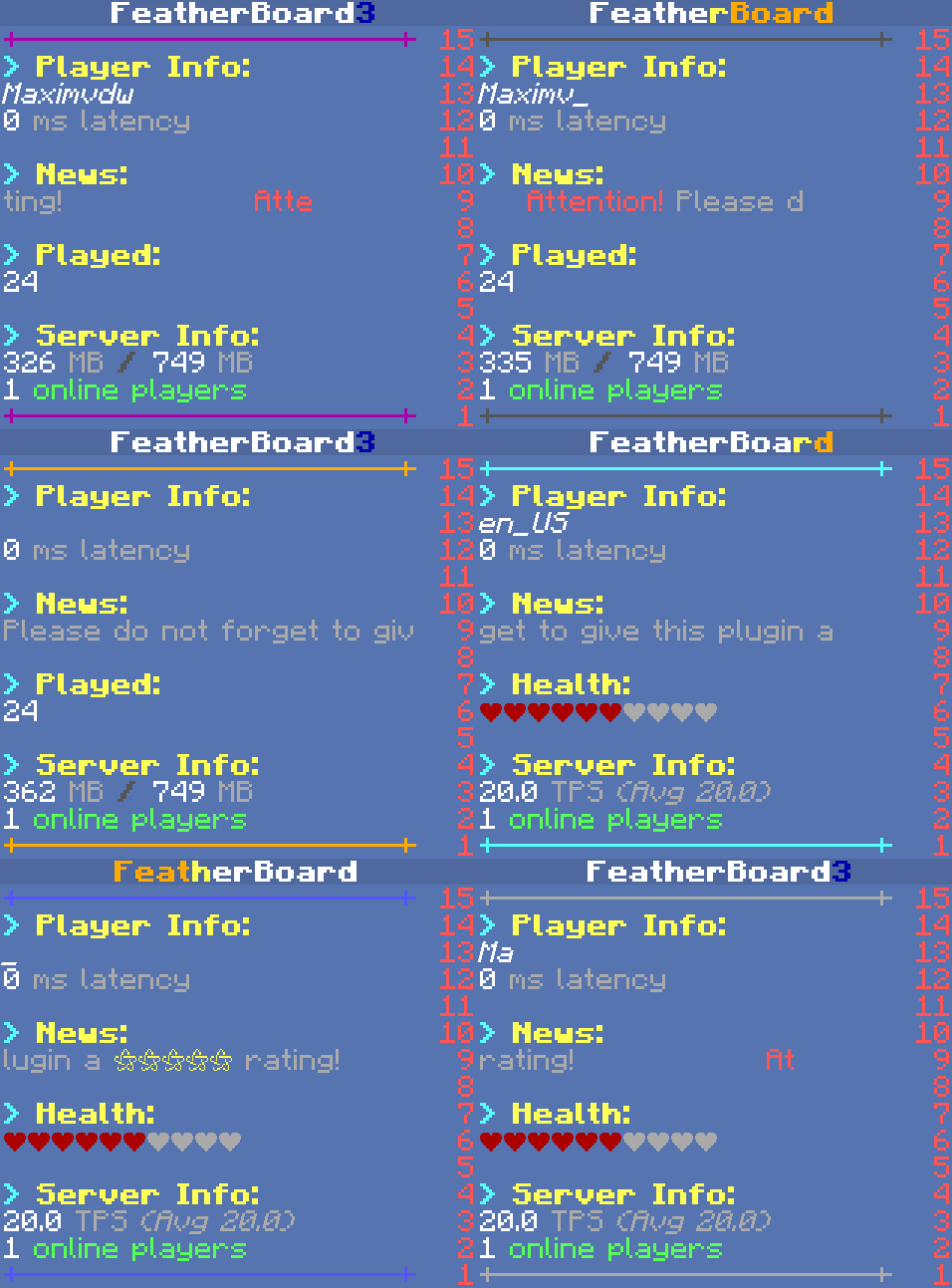
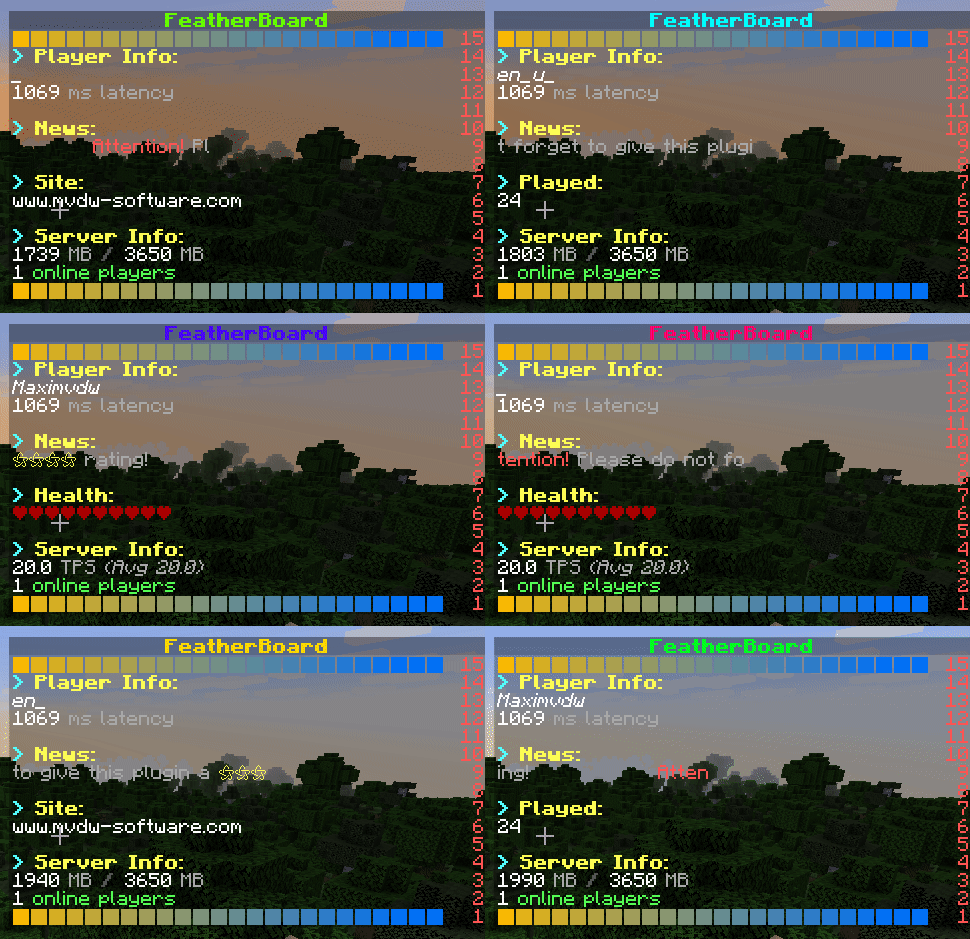
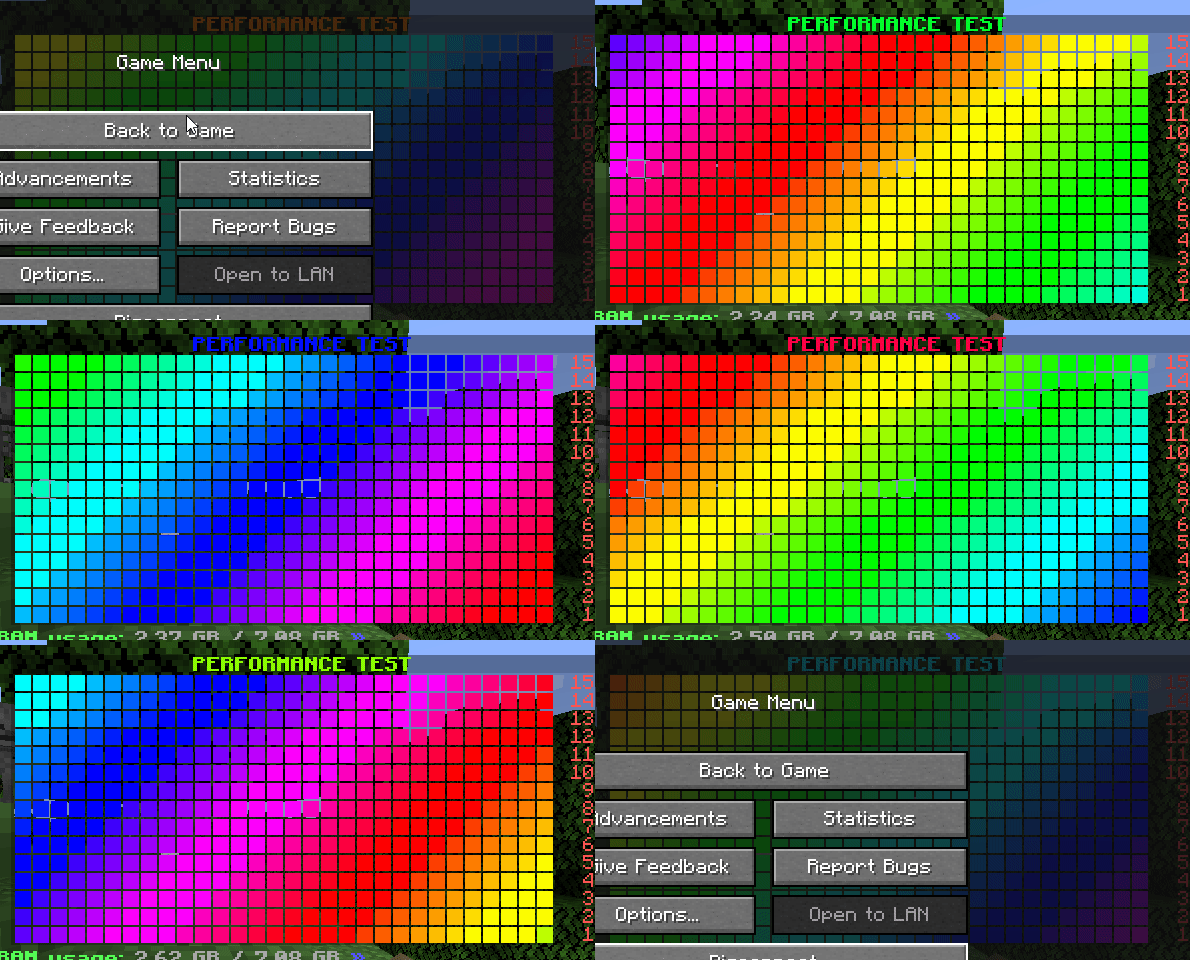
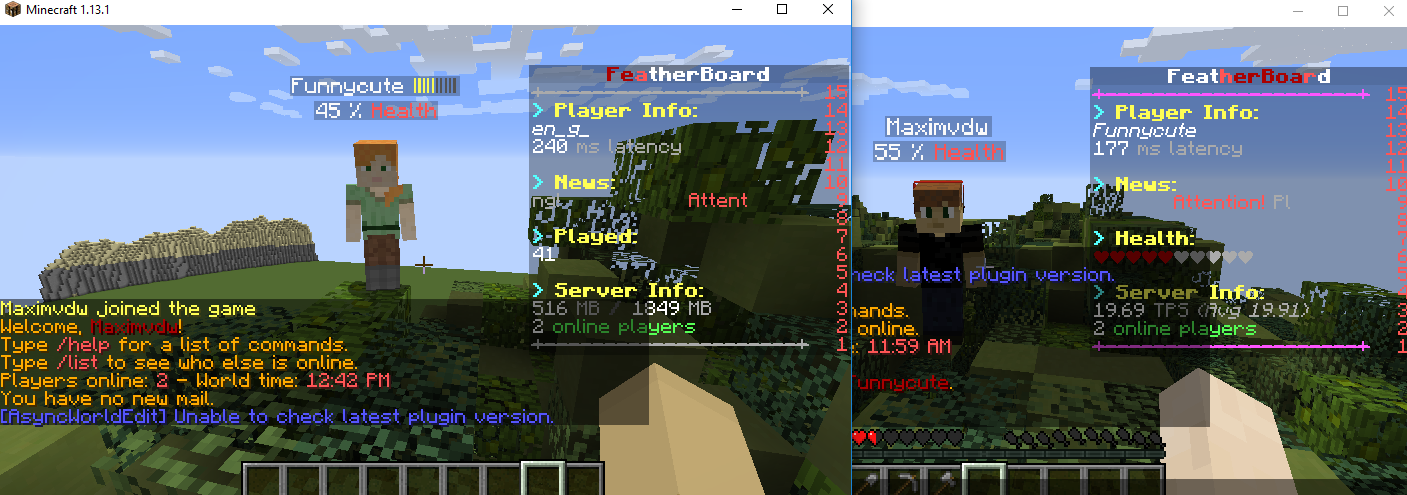

@clip's server using his plugin placeholders
testplugins.com
PLEASE MAKE SURE TO READ THE REQUIREMENTS AND LIMITATIONS
Support is handled in threads that contain enough information
https://www.spigotmc.org/forums/spigot-plugin-help.42/
For bugs please use the discussions, support through PM's is not handled unless asked beforehand (due to spam reasons). Profile posts asking for support are not monitored. Always include a debug dump in your thread
- PlaceholderAPI support
- Preset animations and effects
- Easy to configure, but with the possibility to make it more advanced
- You can use tools such as AnimationCreator to create stunning animations
- You can use JavaScript in scoreboards to create special effects
- You can use preset effects to create advanced animations when loading the scoreboard
- Supports up to 1024 character long lines on 1.13 or above
- Supports any scoreboard or team plugin such as McMMO, HealthBar, ColoredTags, Citizens2, ...
- Original no flicker plugin with stable core
- Efficient TPS and RAM usage with no lag
- No flicker. This plugin combines no flicker with no lag.
- Modify red numbers to placeholder values
- Hide and show lines during animations
- Support from MC 1.7.10 to 1.17 and above
- Event triggered scoreboard to show relevant scoreboards based on what the player is doing
- Assign scoreboards based on groups, permissions, worlds
- Internal Developer API and external Placeholder API (PlaceholderAPI) to add your own placeholders
- In depth placeholder configuration to define what they return
- Players can toggle boards on and off
- Toggled scoreboard can be stored in a database to save their choice after server restarts.
- Below are the server requirements and the supported scoreboard update methods with their properties for that server version.
- CraftBukkit/Spigot/PaperSpigot/PaperClip
- 1.7.10
- ANTI_FLICKER_V1
- Title width: 32
- Line width:: 26-28
- Line width with static lines: 60
- Amount of lines: 15 + 1 title
- ANTI_FLICKER_V1
- 1.8
- ANTI_FLICKER_V1
- Title width: 32
- Line width: 26-28
- Amount of lines: 15 + 1 title
- ANTI_FLICKER_V2
- Title width: 32
- Line width: 68-70
- Amount of lines: 15 + 1 title
- ANTI_FLICKER_V3
- Title width: 32
- Line width: 26-28
- Amount of lines: 15 + 1 title
- Supports all scoreboards (HealthBar, ...)
- ANTI_FLICKER_V1
- 1.9 - 1.12
- ANTI_FLICKER_V1
- Title width: 32
- Line width: 26-28
- Line width with static lines: 60
- Amount of lines: 15 + 1 title
- ANTI_FLICKER_V2
- Title width: 32
- Line width: 68-70
- Amount of lines: 15 + 1 title
- ANTI_FLICKER_V3
- Compatible with all scoreboard/team plugins
- Less RAM and CPU usage
- Title width: 32
- Line width: 26-28
- Line width with static lines: 60
- Amount of lines: 15 + 1 title
- ANTI_FLICKER_V1
- 1.13 - 1.17
- ANTI_FLICKER_V1:
- Title width: 1024 characters
- Line width: AS LONG AS YOU WANT
- ANTI_FLICKER_V3
- Compatible with all scoreboard/team plugins
- Less RAM and CPU usage
- Title width: 1024 characters
- Line width: AS LONG AS YOU WANT
- Amount of lines: 15 + 1 title
- ANTI_FLICKER_V1:
- 1.7.10
- Cauldron/KCauldron
- 1.7.10:Everything is compatible except for ANTI_FLICKER_V2 (beta feature) and hover-able commands such as /featherboard placeholders and /featherboard permissions
- Title width: 32
- Line width with anti flicker v1: 26-28
- Line width without anti flicker: 16
- Line width with static lines: 40
- Amount of lines: 15 + 1 title
- 1.7.10:Everything is compatible except for ANTI_FLICKER_V2 (beta feature) and hover-able commands such as /featherboard placeholders and /featherboard permissions
- CraftBukkit/Spigot/PaperSpigot/PaperClip
- Required server hardware:
The plugin can run on very low hardware. The only requirement is a good connection between your bungeecord and servers when using very fast animations.- Java 11 or higher for Minecraft versions below 1.16.5
- Java 15 or higher for Minecraft versions above 1.16.5
Required dependencies:- PlaceholderAPI 2.10.10+: Required for placeholders.
The plugin will not start without this. https://www.spigotmc.org/resources/placeholderapi.6245/
- PlaceholderAPI 2.10.10+: Required for placeholders.
- Optional dependencies:
- MVdWUpdater: For updating
![Gangs+ [1.8-1.19] 2.24.2](/data/resource_icons/16/16470.jpg?1782808321)

![Combat Tag Plus [1.8 Only] [Action Bar]](/data/resource_icons/5/5222.jpg?1782790862)

![EpicWorldGenerator MODERN [1.21.11 / 26.1.2] Now with Multiverse Support! (EWG)](/data/resource_icons/0/839.jpg?1782116339)