
![EpicWorldGenerator [1.15 - 1.16.5]](/data/resource_icons/12/12329.jpg?1782804980)
Native Minecraft Version:
1.16
Tested Minecraft Versions:
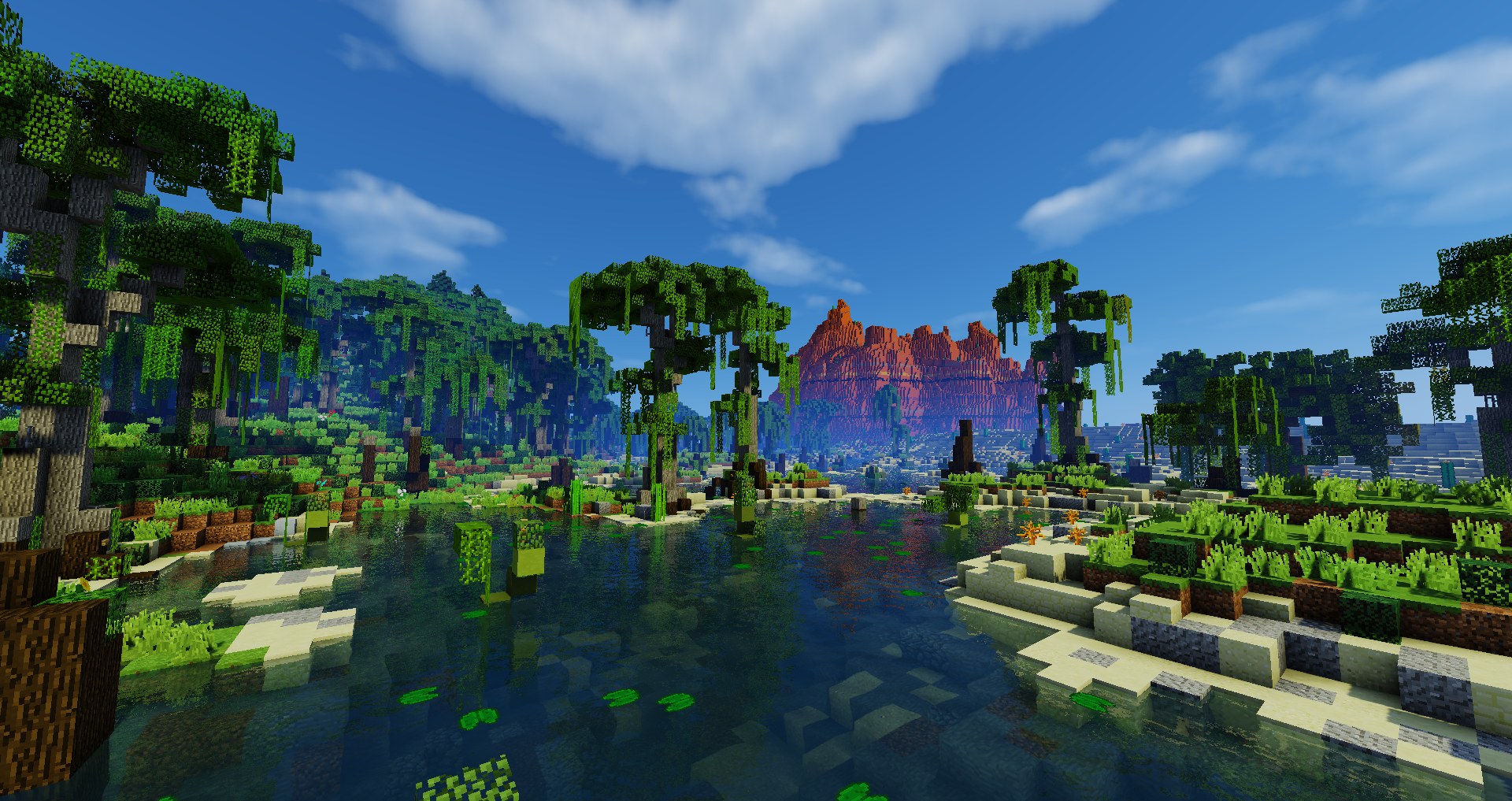





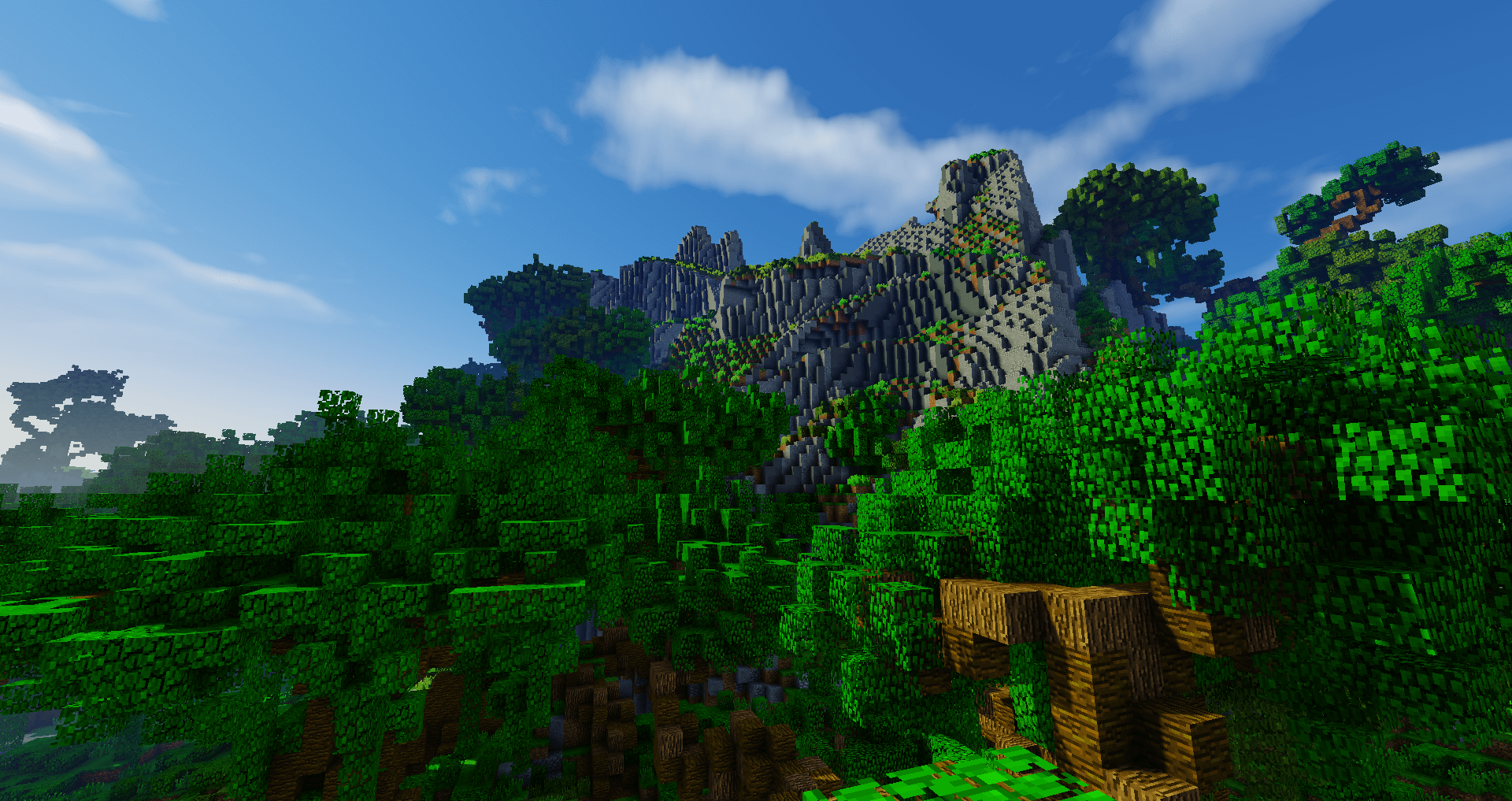
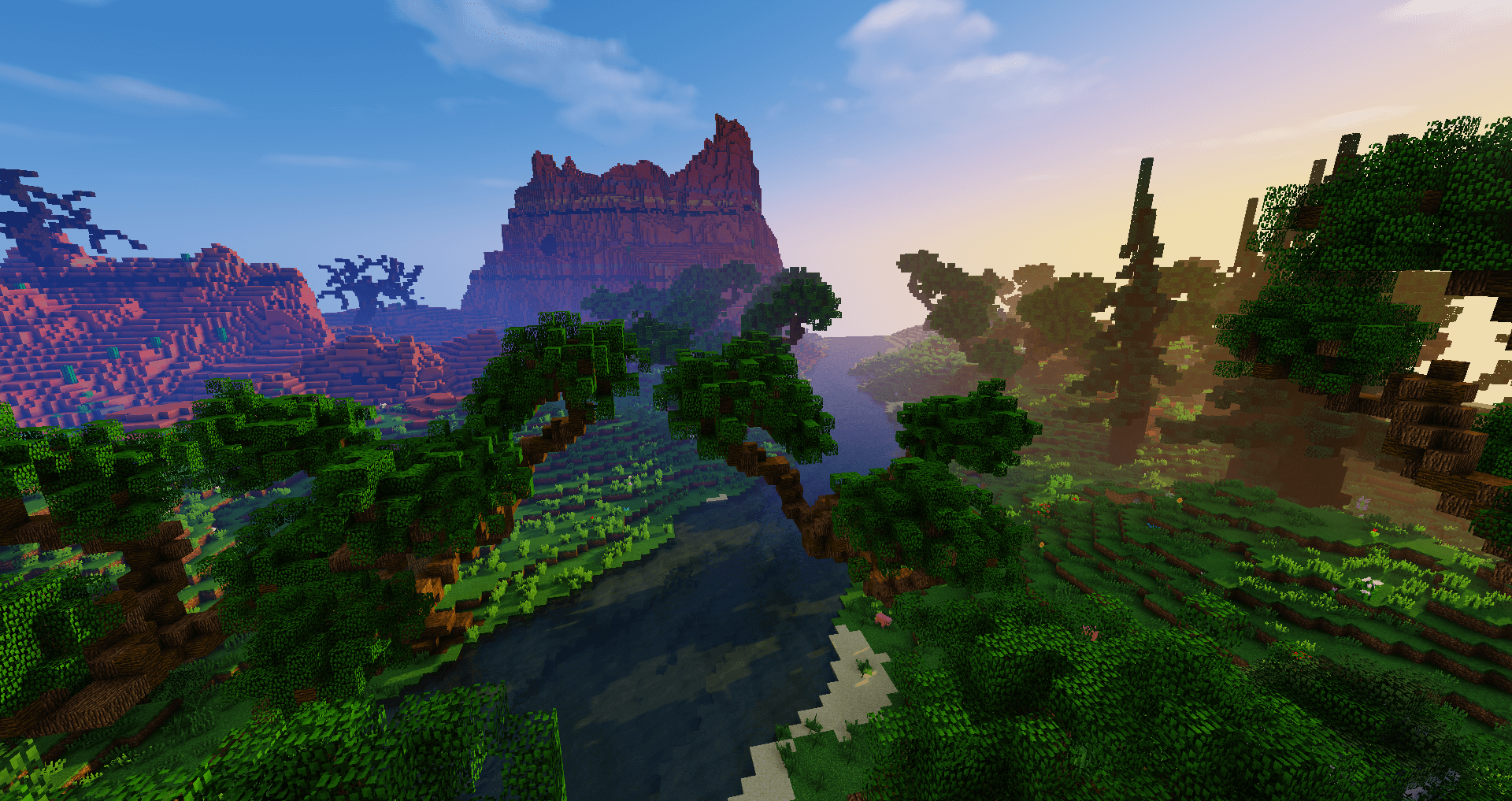
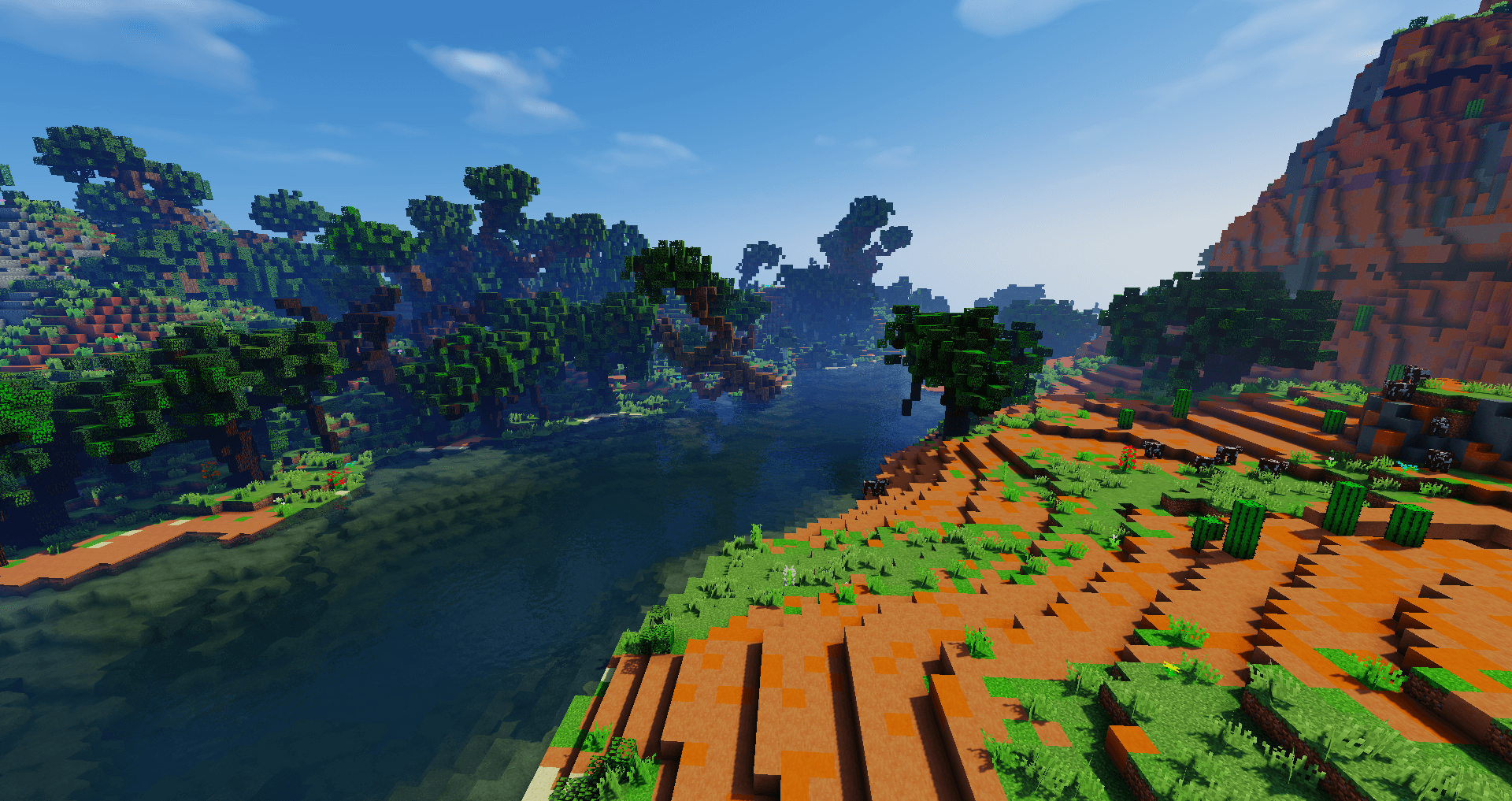
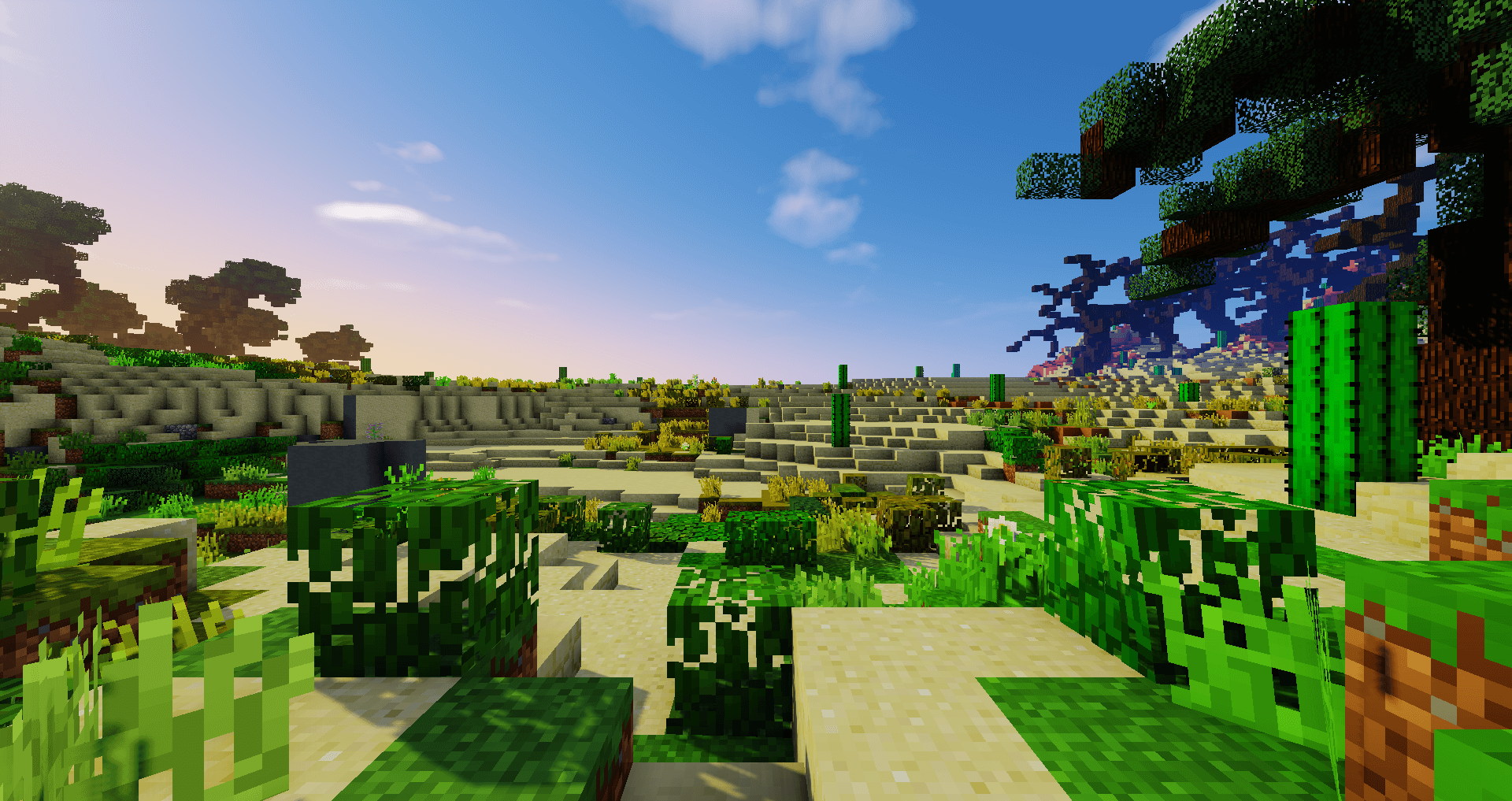
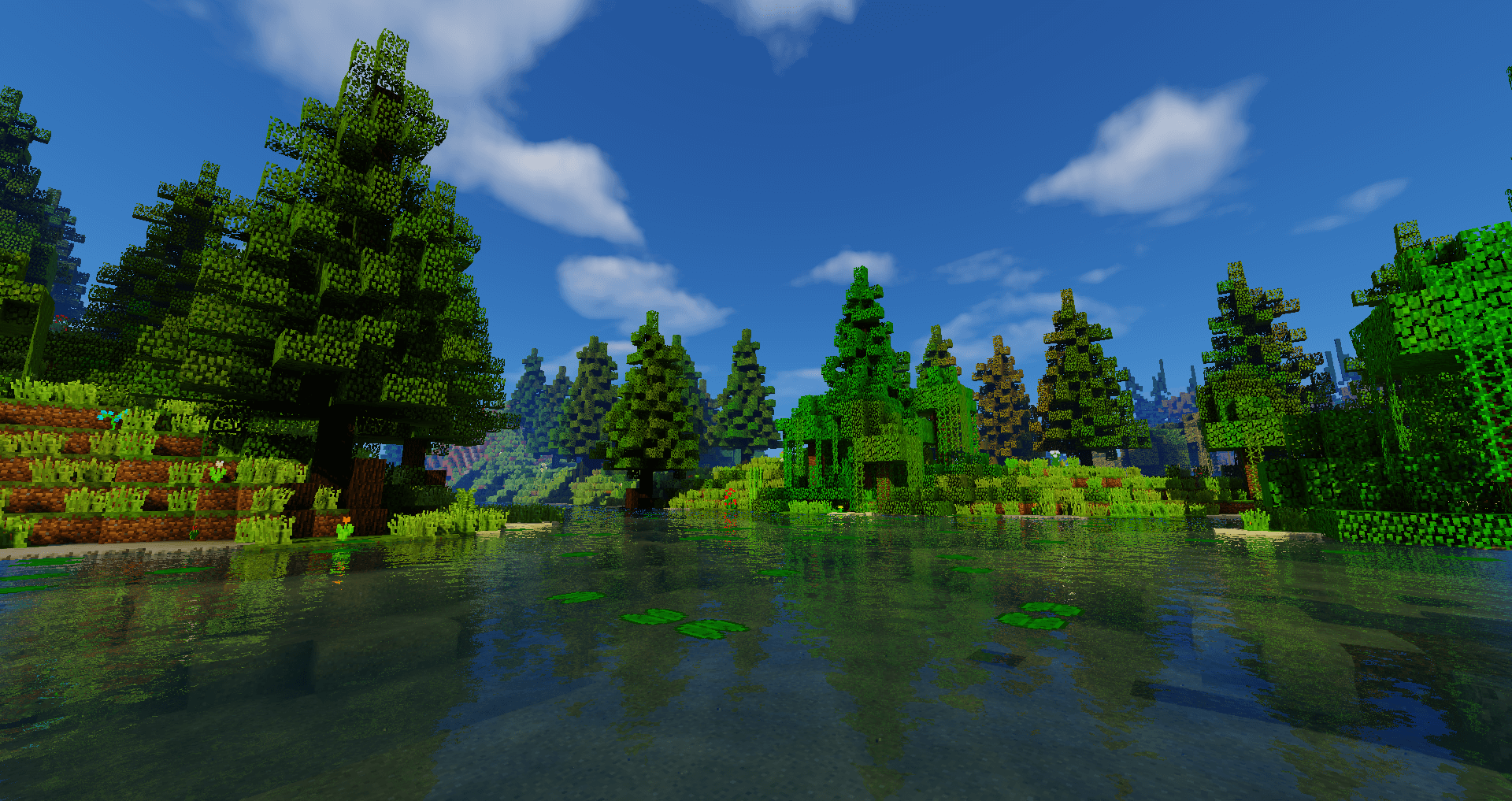
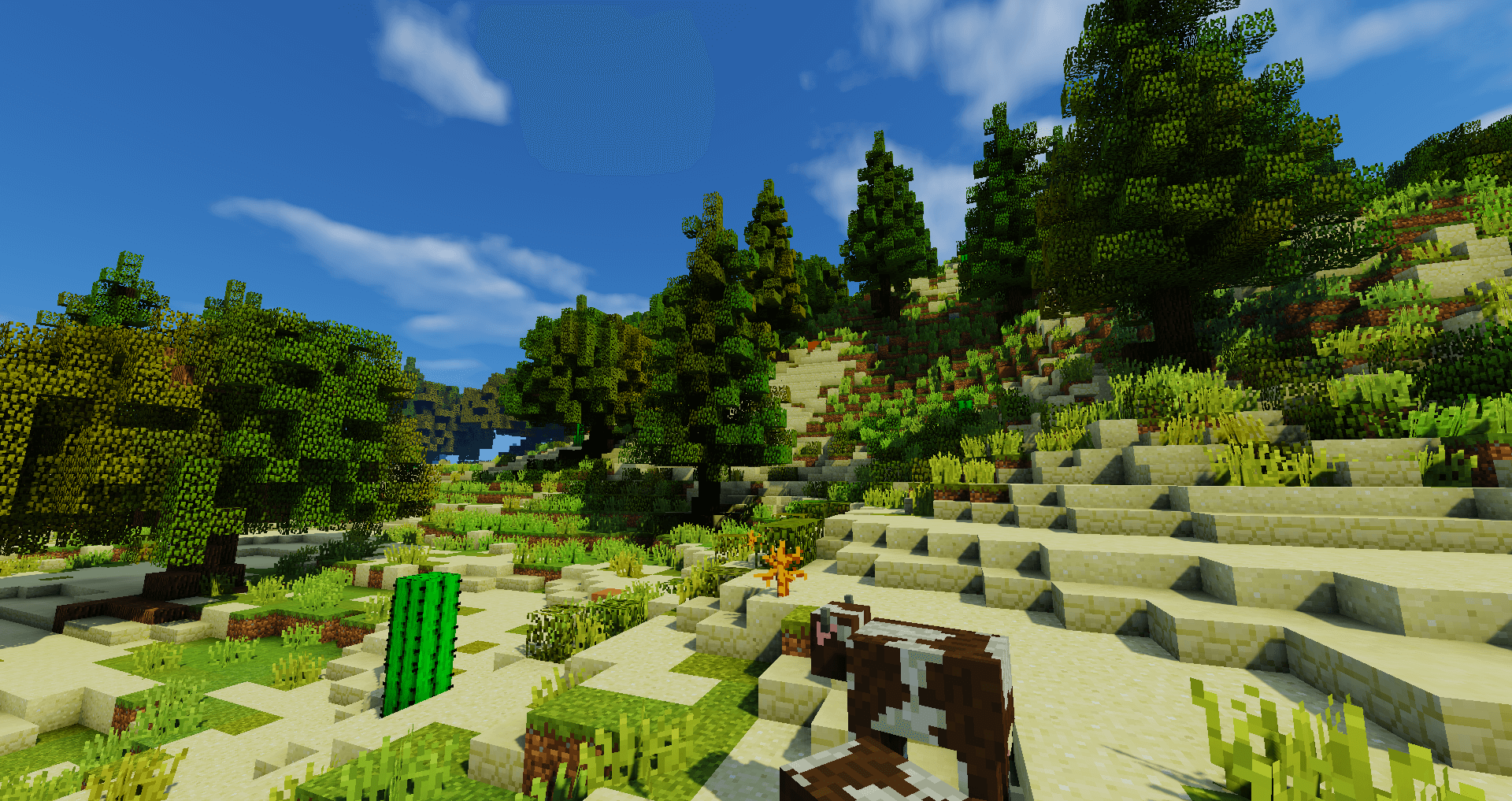
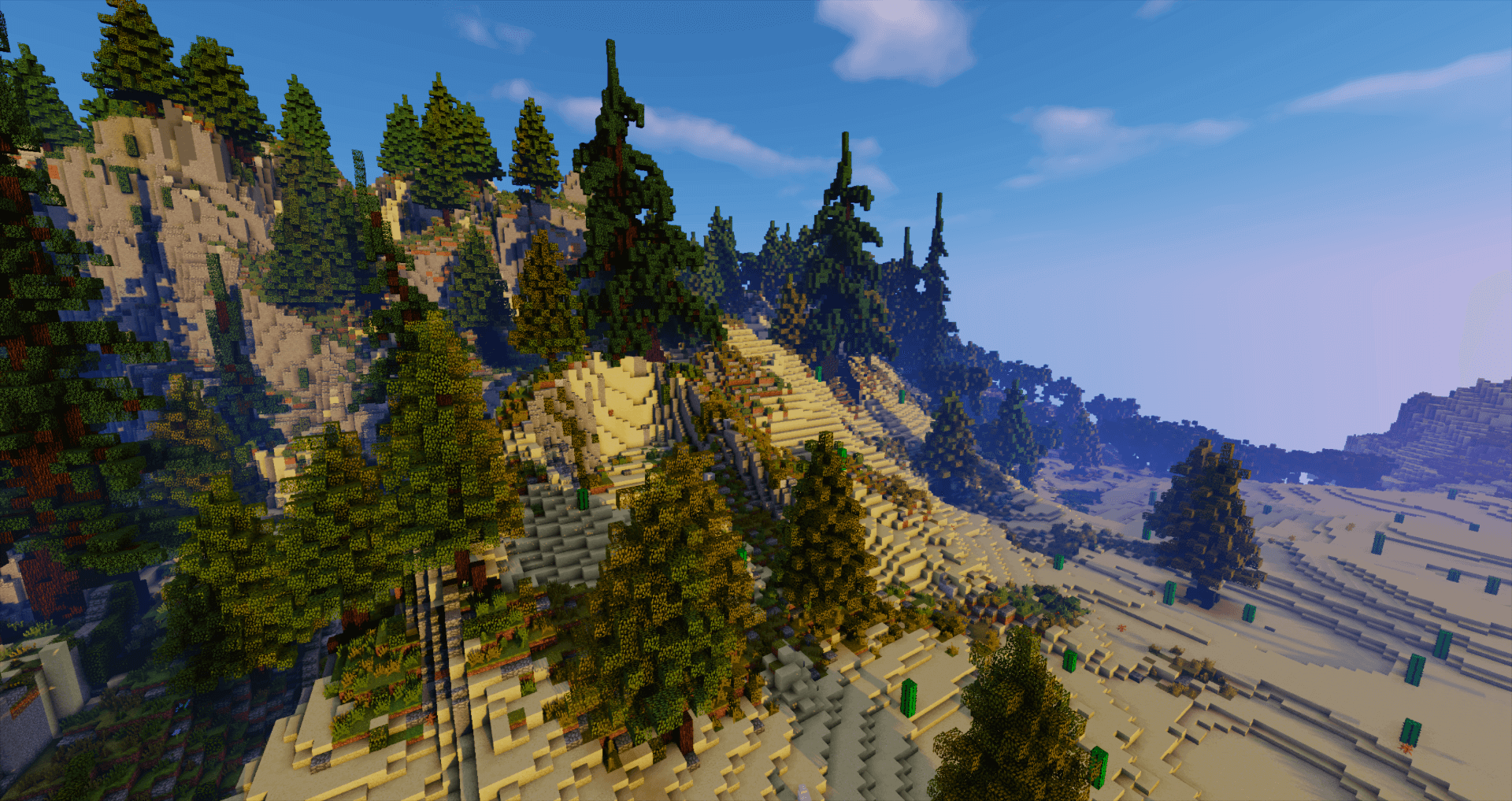
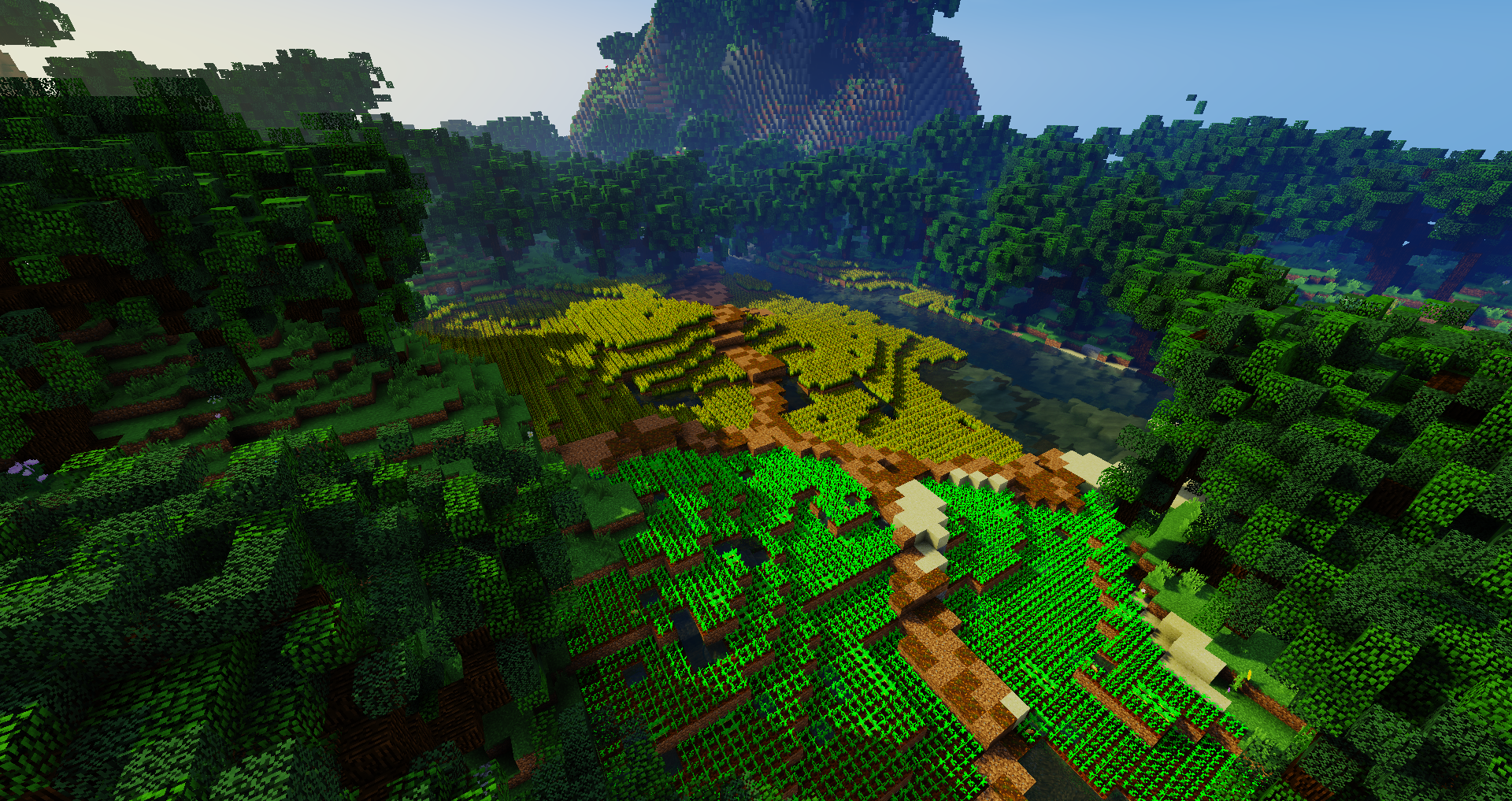
EpicWorldGenerator brings you the most powerful world generator ever made. Customize the plugin to generate the world you and your players have always dreamed about. Whether you want to create your own biomes or select pre-made ones; EpicWorldGenerator is here to take your server to the next level.


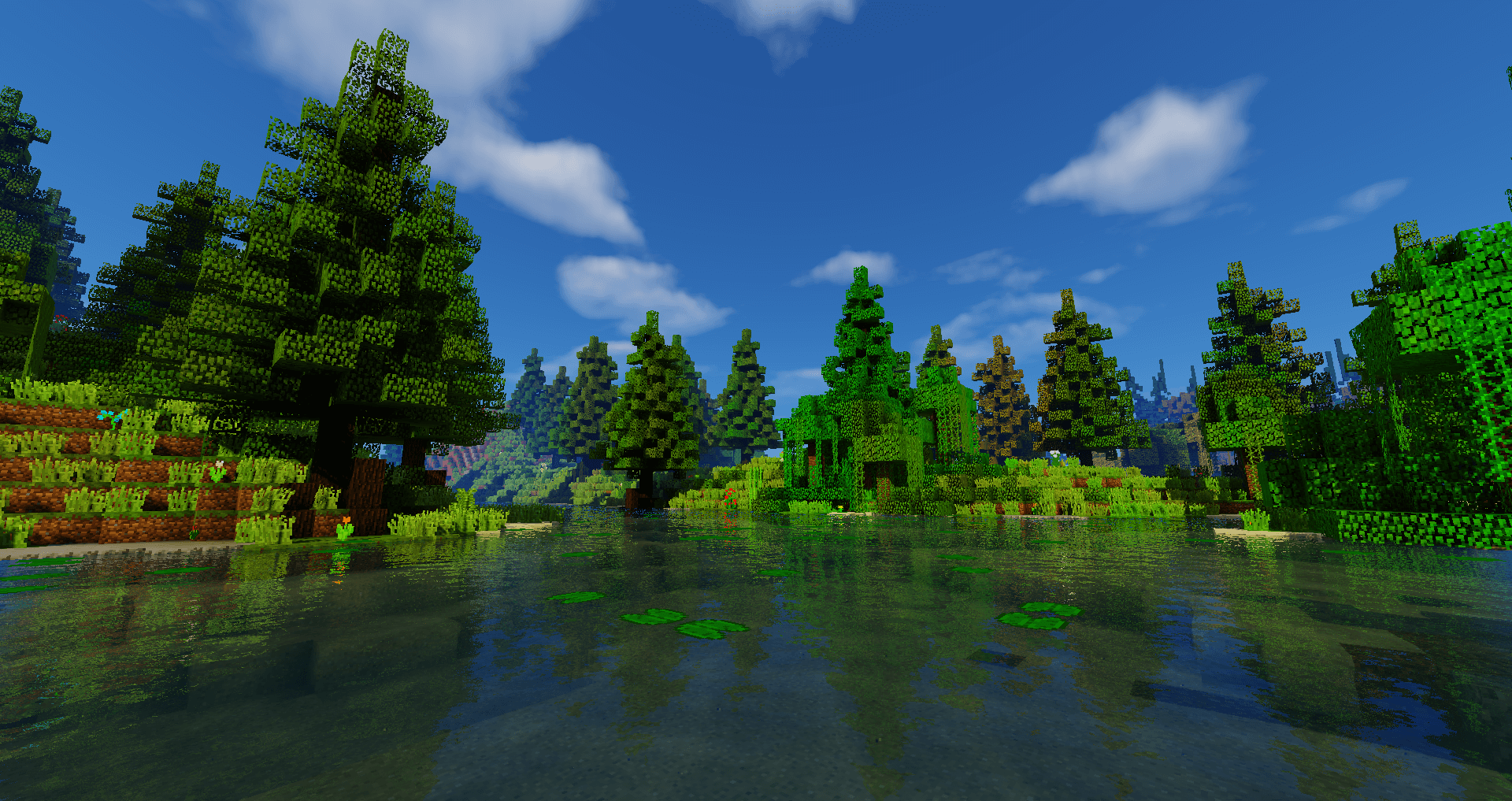
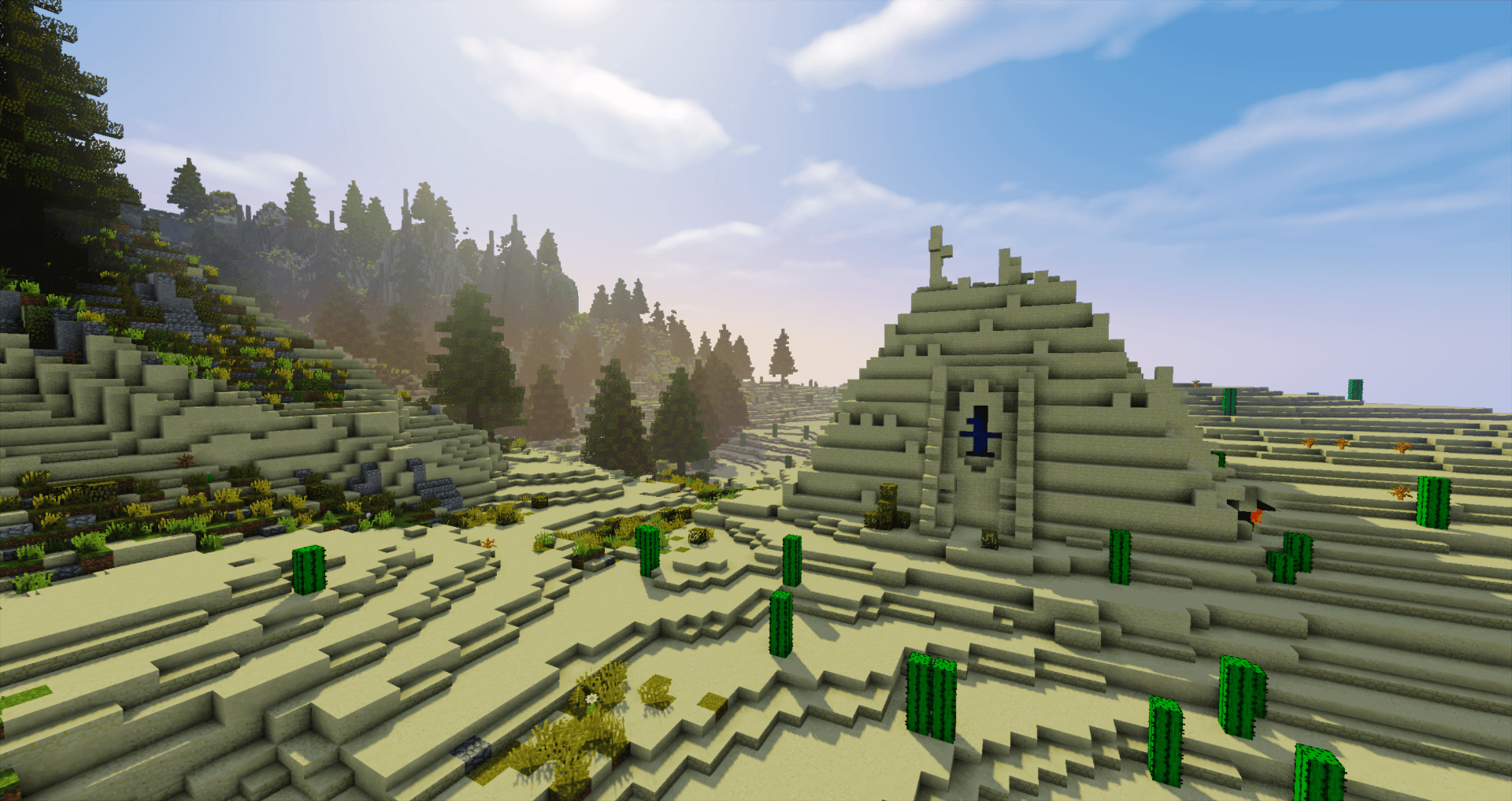
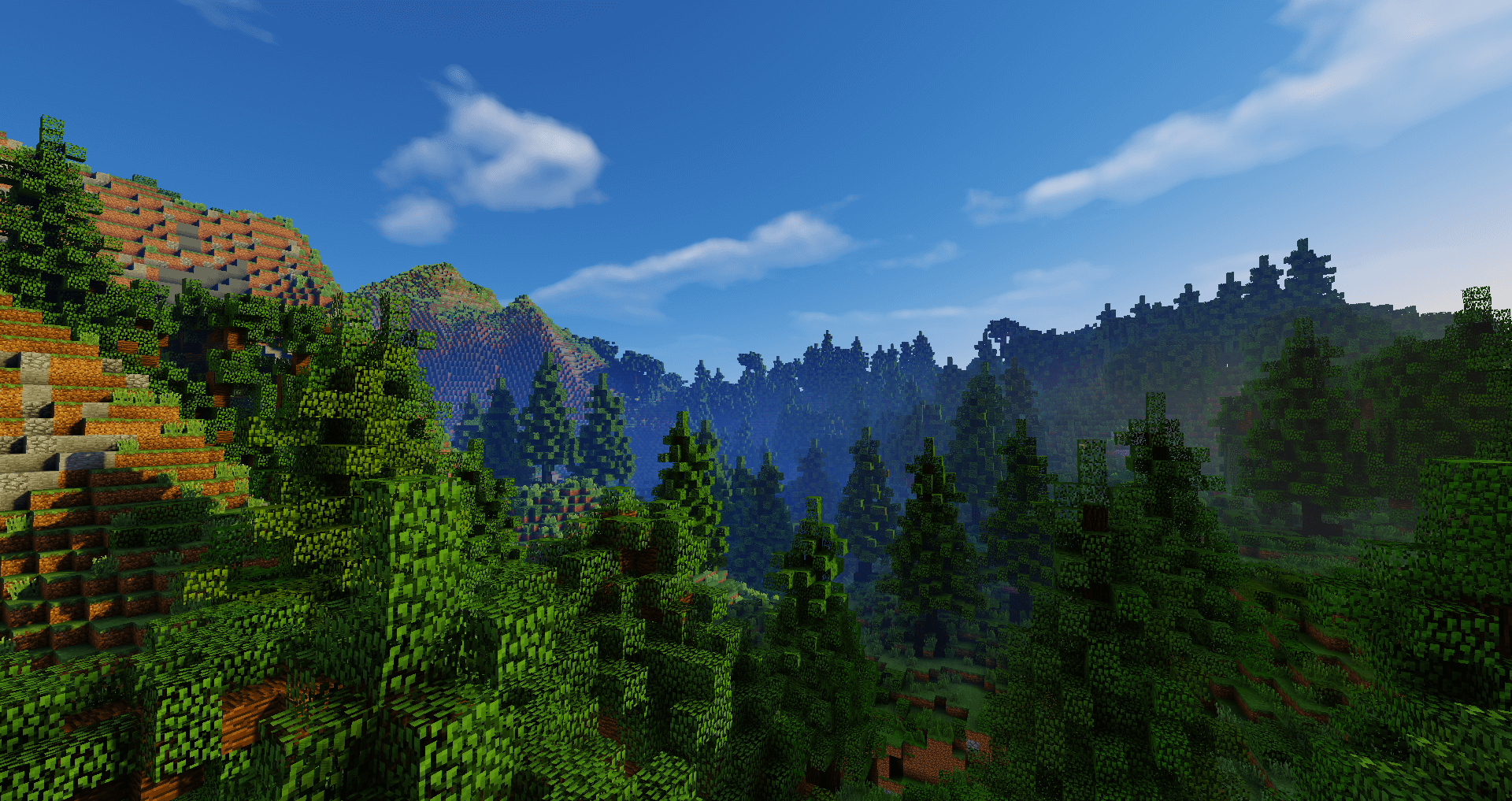
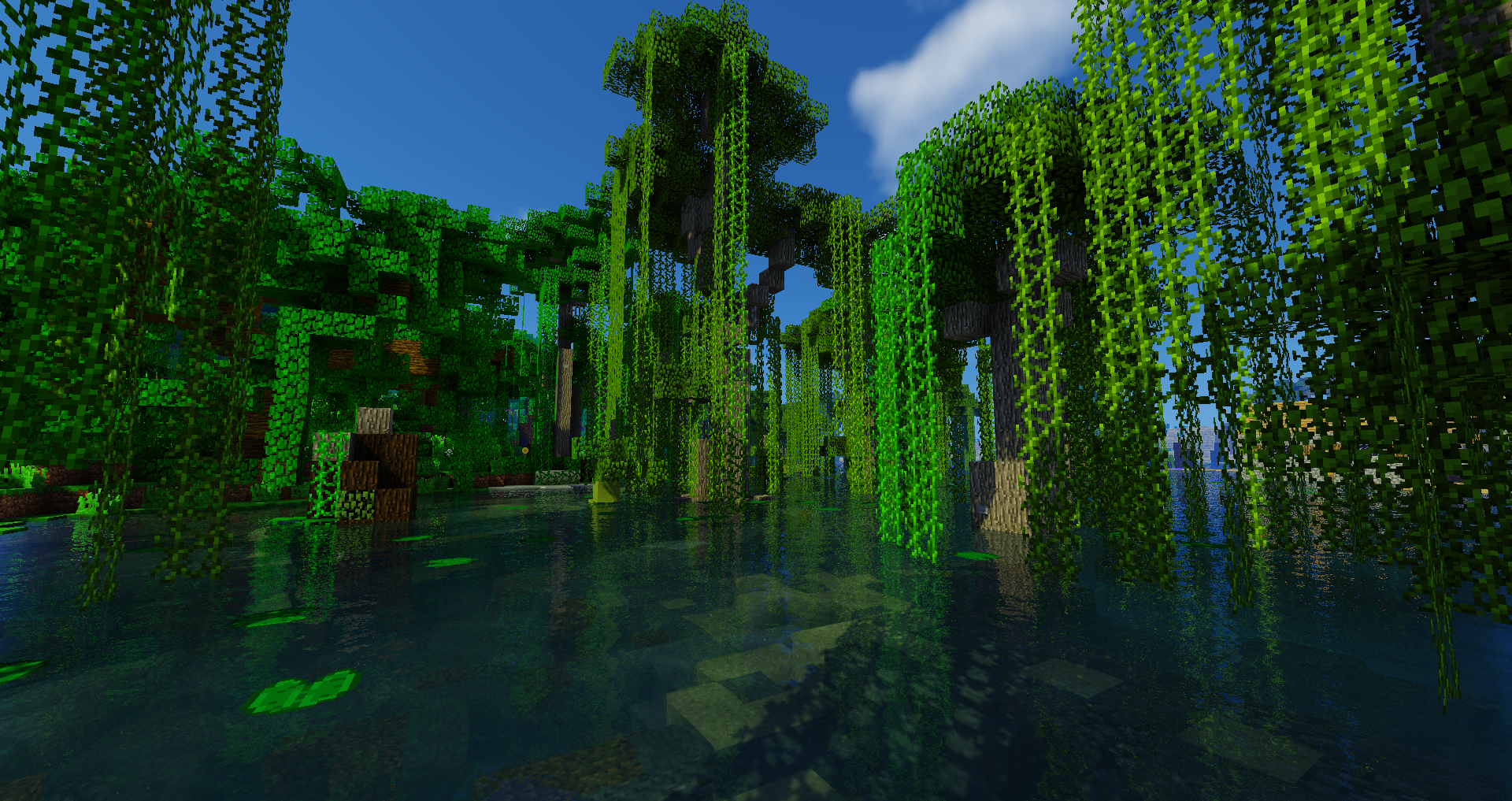
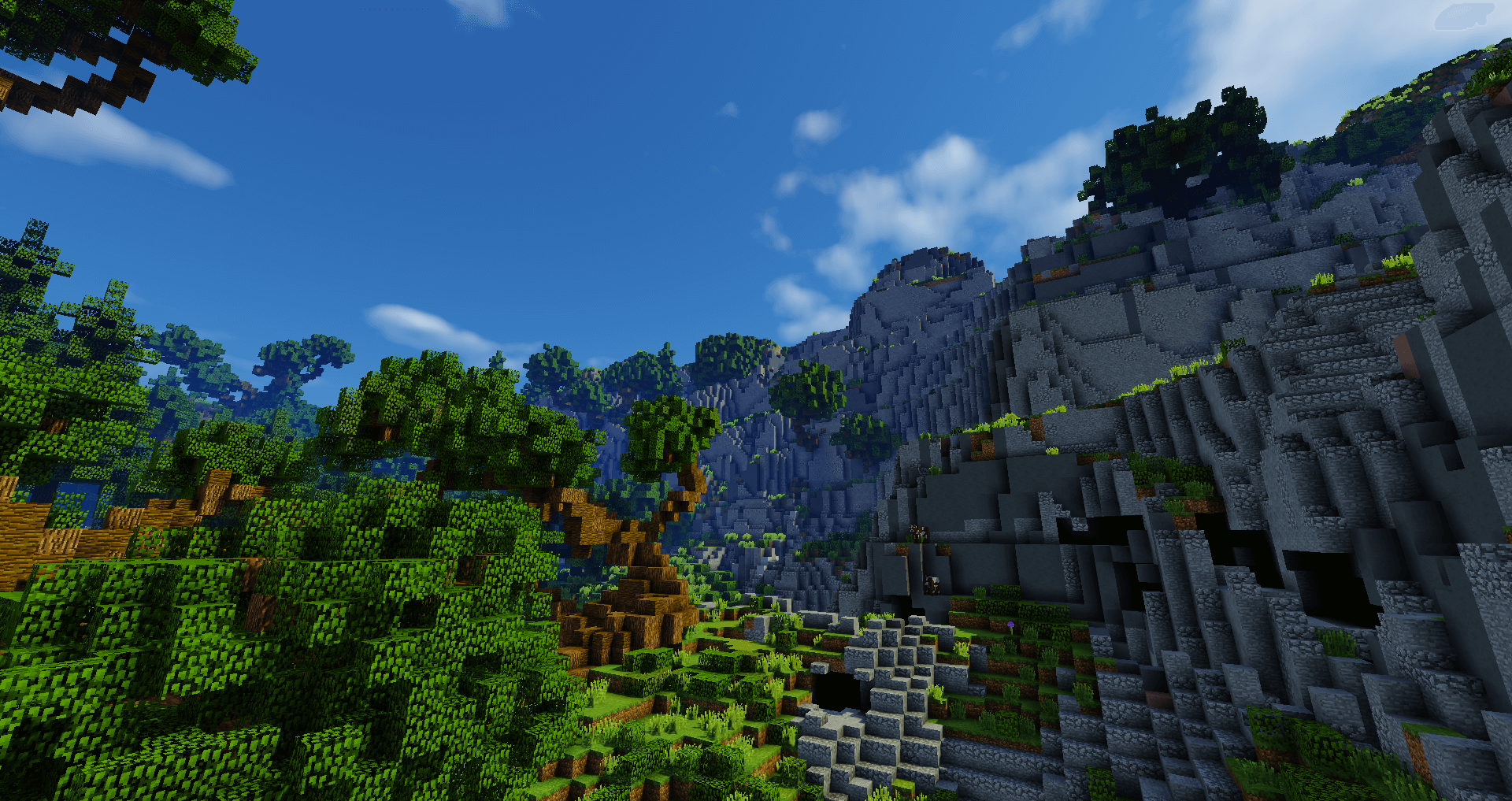
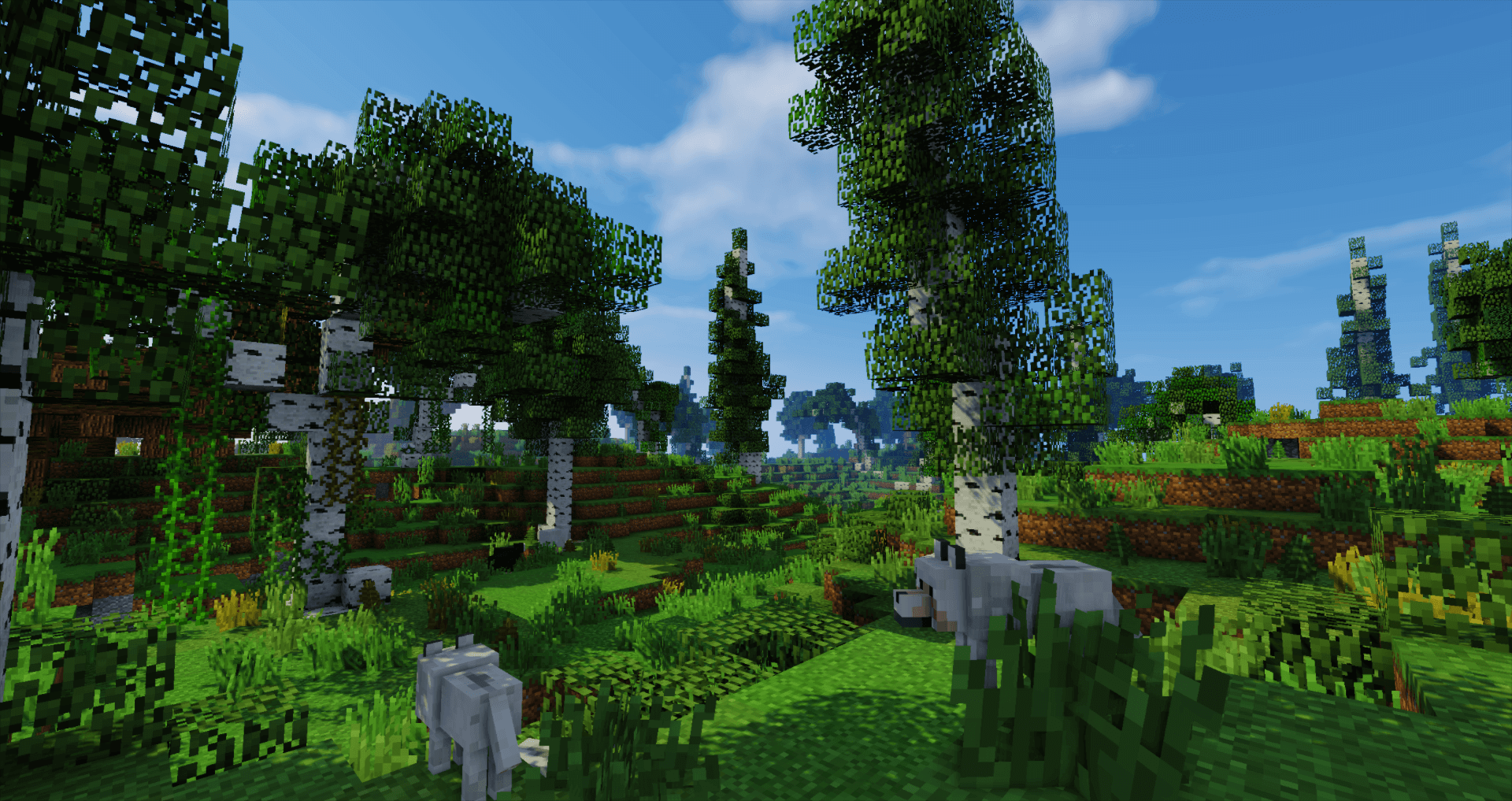
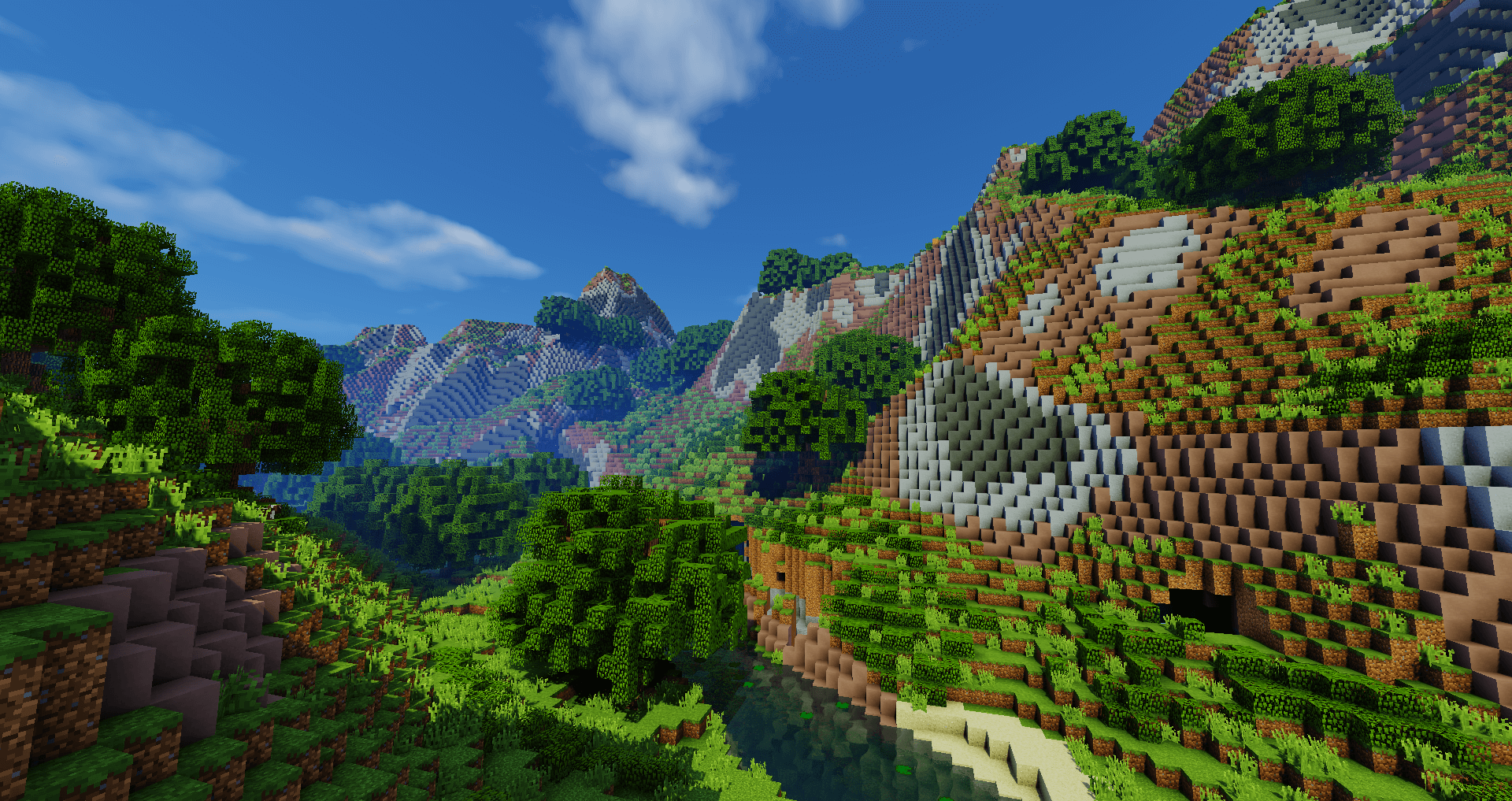

Fanmade cinematic (version 7.2)
Fanmade cinematic (version 6.0)
VintagBeef let's play on his server with EWG installed:

/EWG bugreport - Report a bug from the world generator.
All the EWG commands with an explanation
In order to use EWG to its full potential, there are a few handy commands for you to use.
/ewg createworld
View attachment BH_full.svg
Use the code "minelazz" to get a sweet deal there on your server.
Installation
1.7.10,1.8.x, 1.9.X, 1.10.X, 1.11.X, 1.12.X
1.14.X - 1.16.4
Create a new world
Offline usage
The plugin does not require an Internet connection every time.
It does require some extra files that are downloaded the first time you run the plugin after installation or update.

- All the trees are from Plutouthere
- OpenSimplexNoise, by KdotJPG (gist)
- Cldfire for documentation and help
- Test server by @funnycube and @Clip
- Page design by NitroFox0
- Wiki by Coco and the community

(Last changed March 11, 2016)
By purchasing this plugin or downloading new versions accept you the following terms of use;
http://api.dynamic-bytes.com/spigotmc/licensees/Software License - EpicWorldGenerator.pdf

Where can I find Frequently Asked Questions?
You can find our FAQ here, which is on our wiki.
I need a plugin that can chop down trees. Can I use mcMMO or choptree3?
You can use mcMMO if you tweak the settings. For best performance and result is the addon TreeFeller recommended.
https://www.spigotmc.org/resources/tree-feller-ewg-addon.20385/
It can also be used without mcMMO.
Does this plugin create a netherworld besides the normal world?
You will then need to get the nether addon plugin;

https://www.spigotmc.org/resources/epicnethergenerator-ewg-addon-1-7-10-1-10.25678/
More info can be found on the wiki;
https://docs.dynamic-bytes.com
1.16
Tested Minecraft Versions:
- 1.15
- 1.16
EpicWorldGenerator brings you the most powerful world generator ever made. Customize the plugin to generate the world you and your players have always dreamed about. Whether you want to create your own biomes or select pre-made ones; EpicWorldGenerator is here to take your server to the next level.
- Includes 30 biomes in the default configuration
- Birch Forest
- Bamboo Forest
- Bonsai Forest
- Cold Ocean
- Coral reefs
- Deciduous Forest
- Deep Ocean
- Desert
- Fantasy Forest
- Farmland
- Forgotten Forest
- Frozen Ocean
- Jungle
- Jungle Edge
- Lukewarm Ocean
- Mega Spruce Taiga
- Mega Taiga
- Mesa
- Ocean
- Pine Forest
- Plains
- River
- Savanna
- Scots pine forest
- Snowy Pine
- Stone Forest
- Swamp Edge
- Swamp
- Swampland
- Tropical Forest
- Volcano
- Vanilla biomes
- Generate vanilla biomes next to normal biomes
- Remix vanilla biomes using every option you have for normal biomes generated by the plugin. You can even import features from vanilla biomes into normal biomes
- Generate a world from an image (EXPERIMENTAL)
- Take full control over the world by generating the world from an image.
- Combines the best
- Includes the best features from the vanilla world generator
- All structures, like water monuments, woodland mansion, etc are included.
- Ores will stay the same
- Caves will generate the same way you are used to
- Includes the best features from the vanilla world generator
- Flat areas
- Tired of flattening out the world near spawn points in your world? No need for that anymore, the plugin will do it for you with nice transitions to the rest of the world.
- Seed support
- Biome teleportation
- Instant teleportation to the closest biome
- Custom structures
- Includes a set of default custom structures, to give your world that extra bit of spice. You can also create your own structures.
Fanmade cinematic (version 7.2)
Fanmade cinematic (version 6.0)
VintagBeef let's play on his server with EWG installed:
/EWG bugreport - Report a bug from the world generator.
All the EWG commands with an explanation
In order to use EWG to its full potential, there are a few handy commands for you to use.
/ewg createworld
View attachment BH_full.svg
Use the code "minelazz" to get a sweet deal there on your server.
Installation
1.7.10,1.8.x, 1.9.X, 1.10.X, 1.11.X, 1.12.X
- Download version 7.2.29
- Stop your server.
- Delete your current world
- If you want to use the plugin on 1.7.10 without carbon set; plain17map: true, in the config (settings.json file). This requires you to run the plugin one time. The file is generated in the settings folder
- Start the server
- Install and enjoy the plugin!
- Install treefeller?
1.14.X - 1.16.4
- Follow this basic tutorial or
Create a new world
- This will require multiverse, install it.
- Run the following command; "/mv create <world name> normal"
- Use; "/mv tp <world name>", to teleport to the world
Offline usage
The plugin does not require an Internet connection every time.
It does require some extra files that are downloaded the first time you run the plugin after installation or update.
- All the trees are from Plutouthere
- OpenSimplexNoise, by KdotJPG (gist)
- Cldfire for documentation and help
- Test server by @funnycube and @Clip
- Page design by NitroFox0
- Wiki by Coco and the community
(Last changed March 11, 2016)
By purchasing this plugin or downloading new versions accept you the following terms of use;
http://api.dynamic-bytes.com/spigotmc/licensees/Software License - EpicWorldGenerator.pdf
Where can I find Frequently Asked Questions?
You can find our FAQ here, which is on our wiki.
I need a plugin that can chop down trees. Can I use mcMMO or choptree3?
You can use mcMMO if you tweak the settings. For best performance and result is the addon TreeFeller recommended.
https://www.spigotmc.org/resources/tree-feller-ewg-addon.20385/
It can also be used without mcMMO.
Does this plugin create a netherworld besides the normal world?
You will then need to get the nether addon plugin;
https://www.spigotmc.org/resources/epicnethergenerator-ewg-addon-1-7-10-1-10.25678/
More info can be found on the wiki;
https://docs.dynamic-bytes.com


